 Evidenza
NIKONLAND · DAL 2006
20ANNI DILa Prima Pagina
Dal 2006, fotografia, esperienza e libertà di giudizio.
FOTOGRAFIA2006 — 2026
Evidenza
Appena pubblicati
Tutti Editoriali
Viltrox vuole diventare Sigma. Anche nei prezzi?
 Accessori e altro per Nikon Z
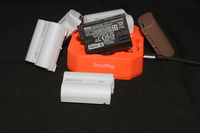
Nikon EN-EL15. La storia di un sistema di alimentazione (e le nostre raccomandazioni sull'uso)
 Editoriali
Nikon Z70 : 45 megapixel DX per una nuova regina dell'autofocus ?
 Editoriali
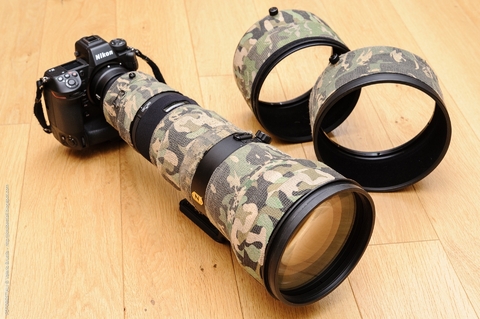
Nikon Z 120-300mm f/2.8 TC VR S. Bellissimo. Ma ci serve davvero?
MaxAquilaphoto.thumb.jpg.f17f925f23b6919cde8c30a5079341a1.jpg) Nikon Z : Test fotocamere
Nikon Z : Test fotocamereNikon Z5IIC e Nikkor Z 24-105/4-7,1: nelle mie mani !
 Editoriali
La porta resta aperta. E dentro Nikonland è cambiato tutto.
 Editoriali
Buon compleanno Nikonland
 News
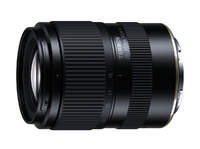
NewsTamron annuncia il 16-50mm f/2,8 per Nikon Z (APS-C / DX)
News
Tutti News
NewsNikon alza le previsioni di utile del 50%. Ma la fotografia rallenta.
 News
NewsViltrox 35mm f/1.4 PRO: finalmente. Ma quanti 35 mm ci servono?
 News
NewsNikon presenta ufficialmente il NIKKOR Z 120-300mm f/2.8 TC VR S
 News
NewsLa Nikon ZR tra le migliori invenzioni del 2026 secondo TIME. E pensare che io ne uso due per fotografare le modelle…
 Novità Pubblicate
Quindici giorni su Nikonland Dal 10 al 24 ottobre 2026 : 33 nuove pubblicazioni
Il nostro modo di guardare
Il Club FotografiaFotografie dei Nikonlander, dal Club Fotografia. Nuovi incontri a ogni visita: apri e commenta.
Le fotografie stanno arrivando…
LE PERSONE, PRIMA DI TUTTO
I Protagonisti
La partecipazione che fa crescere Nikonland.
La classifica si sta aggiornando…
VENT’ANNI DI STORIE DA RITROVARE
Tutto l’archivio ↗Da riscoprire
Storie da ritrovare. Una nuova selezione a ogni visita.

.thumb.jpg.7886a2d8ae98dcad08f1f81f32a059b8.jpg)

Prove e approfondimenti
Tutti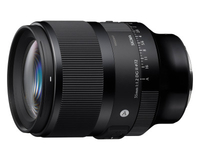 Test obiettivi compatibili con Nikon Z
Sigma 35mm f/1.2 II DG DN Art - la nuova versione del primo 35mm f/1.2 autofocus per mirrorless
 Nikkor Z : Test obiettivi Nikon
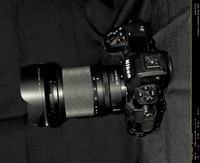
Il 24-105 aveva già annunciato la Z5IIC
 Monografie Reflex a Pellicola Nikon
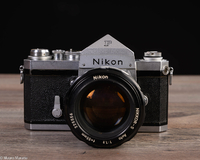
Nikon F. Una storia che arriva fino a noi
 Test obiettivi compatibili con Nikon Z
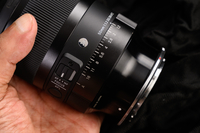
Sigma 50mm f/1.2 DG DN Art : in test su Nikonland.it
 Schede di memoria e lettori di schede
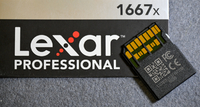
Lexar Professional SDXC 128GB: una scelta forzata, oggi!
 Accessori
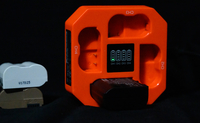
Quattro EN‑EL15c alla volta. Finalmente un caricabatterie per chi ne usa davvero tante
Le recensioni
Ultime recensioniMaxAquilaphoto(C).thumb.JPG.8a10c5c12e3979daab56f37581f2f1cc.JPG)
Nikkor Z 12-28mm f/3,5-5,6 PZ VR DX
★★★★☆Compagno ideale per la Z30, compatto e leggero. Rende l'insieme molto maneggevole, anche nell'uso con una mano sola, il range di focale è buono (18-42 equivalente), a volte basta aggiungere un 35/50 fisso per risolvere la mancanza di…
Leggi la recensione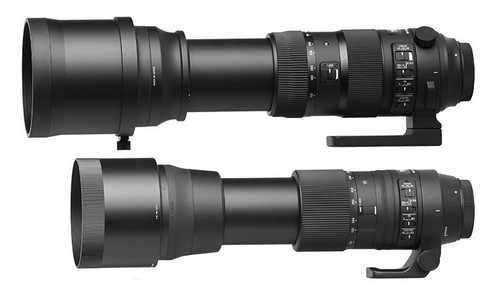
Sigma 150-600mm f/5-6.3 DG OS HSM Contemporary (Nikon F)
★★★☆☆La versatilità d'uso, classica di un superzoom, è eccezionale. Inclusa la capacità di mettere a fuoco anche relativamente vicino. NOTA l'ho avuto quando il mio corpo macchina era la Nikon Z6 quindi mi astengo dal fare commenti sulla…
Leggi la recensione.JPG.2b6eddc8392f469273fb7b5a2f50d934.thumb.jpg.afcc2cf6dd8252a1773d322962cc0514.jpg)
Nikkor Z 24-120mm f/4 S
★★★★★L'ho preso in ssotituzione del 24-200mm Z , avevo qualche dubbio a rinunciare ai 200mm , ma non me ne sono pentito assolutamente. Non che il 24-200 sia male, anzi, ma questo è meglio, i colori e la nitidezza mi hanno stupito. C ho fatto…
Leggi la recensioneAltri sguardi dal Club
Guarda e partecipaUn Nikonlander da conoscere…
PASSIONI CHE CI UNISCONO
Le voci di Nikonland
Dai blog dei Nikonlander
Tutti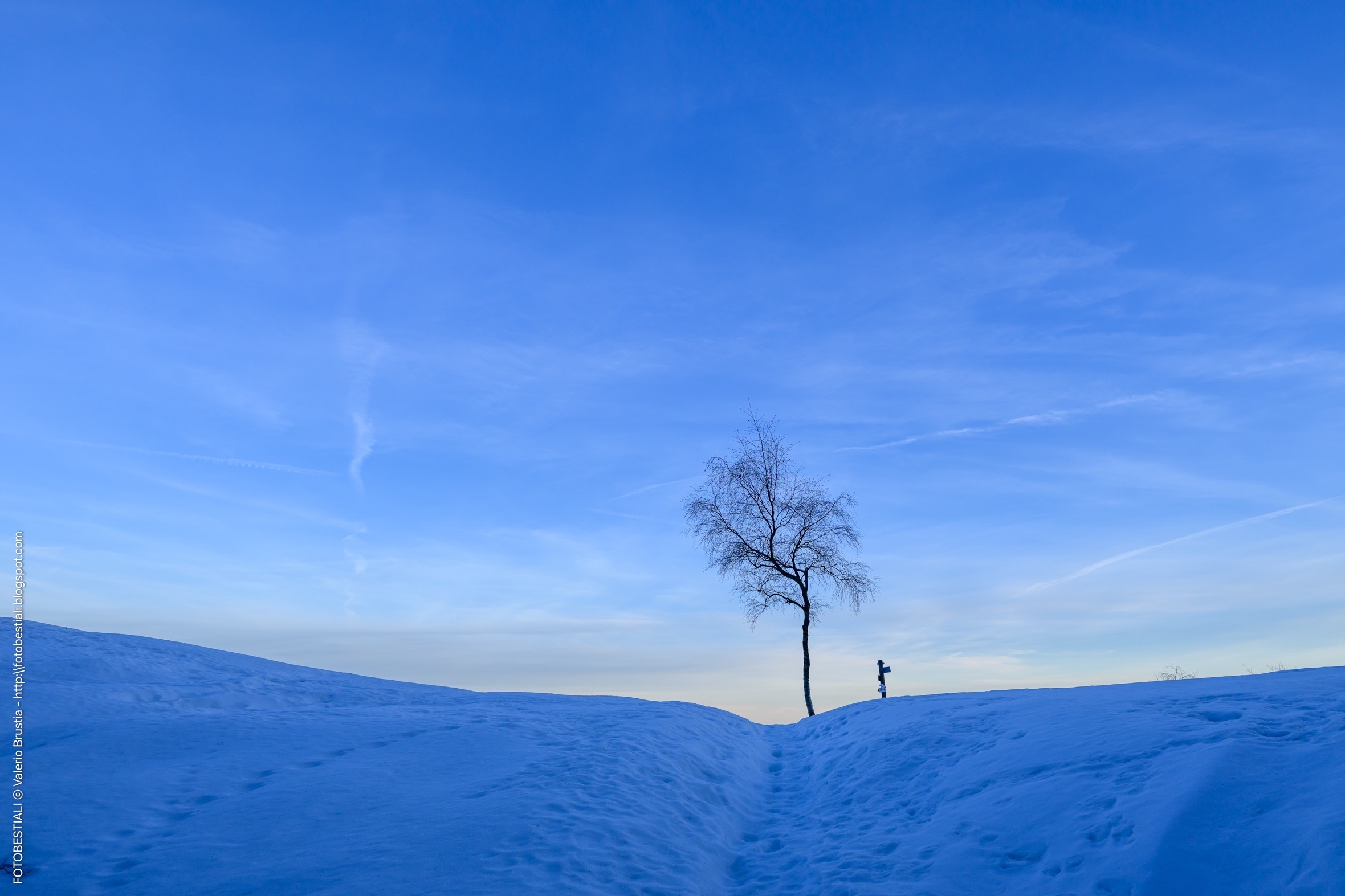 Il Giurnalett
L’ultima neve 2026
 Il mio blog su Nikonland
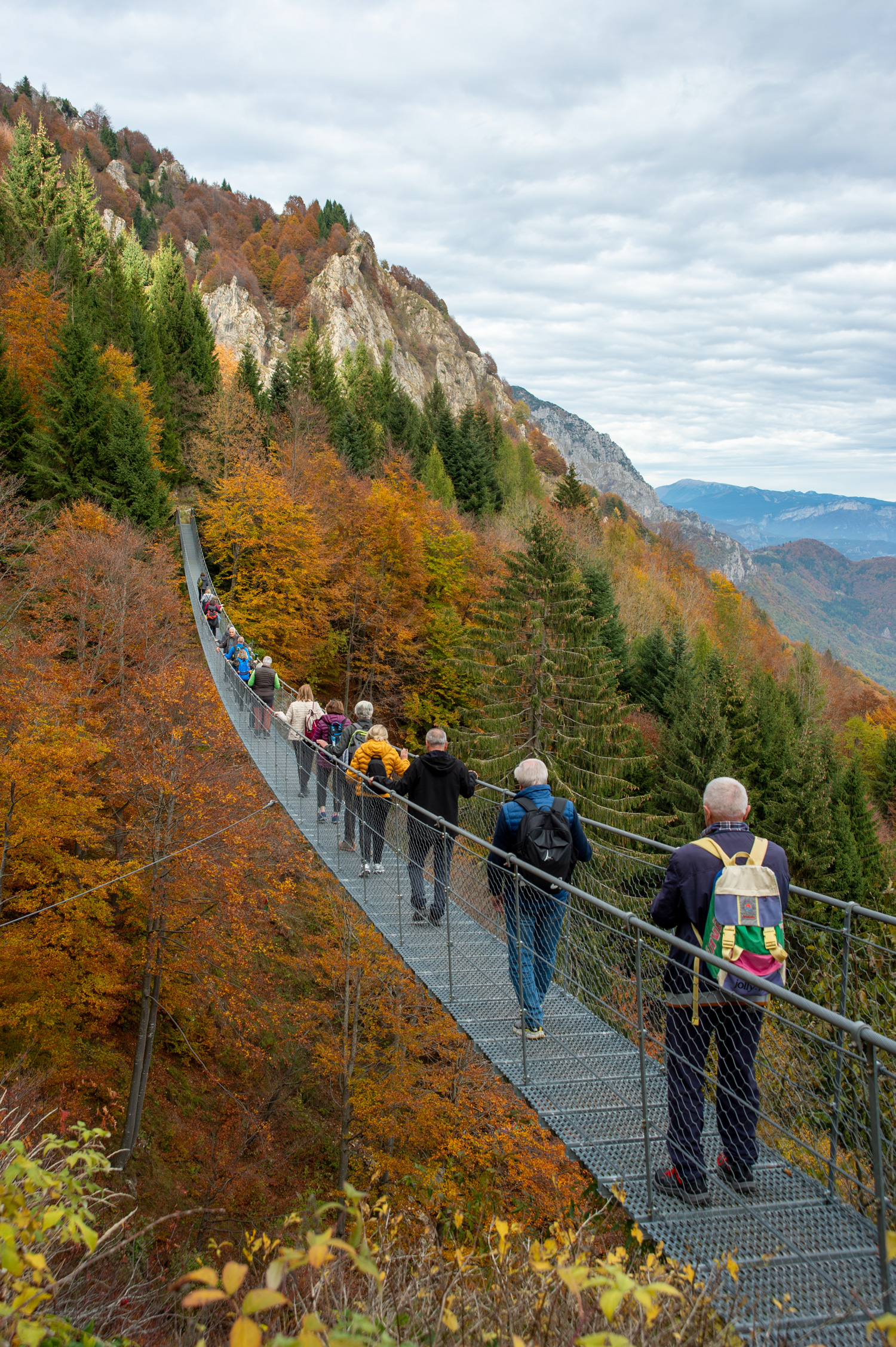
In gita con i miei "Allievi"
 Il blog di Piermario
Irlanda del Nord. Murales a Derry e Belfast
Fotografia
Tutti La Rubrica di Sara
Le fotografie che mi hanno fermata
 La Rubrica di Sara
Fuori programma : La fotografia che non avevo intenzione di fare
 La Rubrica di Sara
Le fotografie che aspettano di essere scelte
Motori
Tutti Blog : motori
GP Storico D'Italia 2026 - Mugello
 Blog : motori
Alfa Romeo Cuorerosso. Il cuore batte ancora, ma chi costruirà il resto?
 Blog : motori
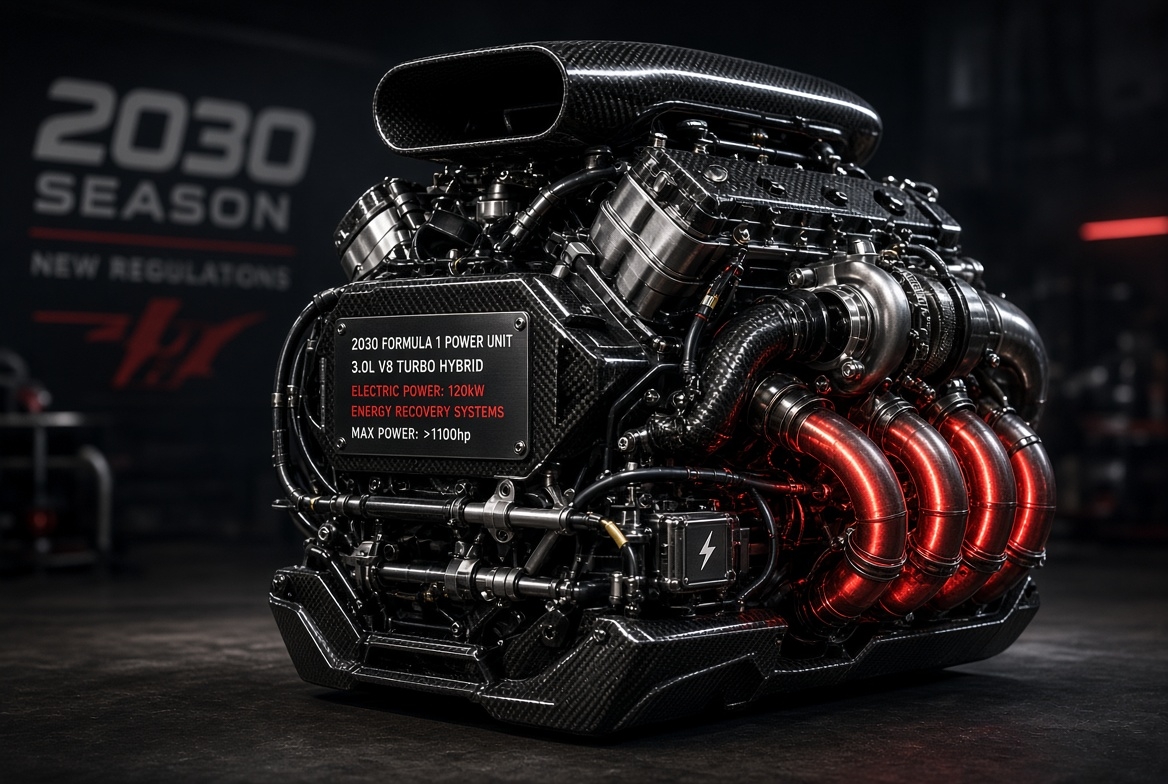
V8 in Formula 1 dal 2030? Ecco a che punto è davvero la situazione
Il Club dell’Editore
Tutti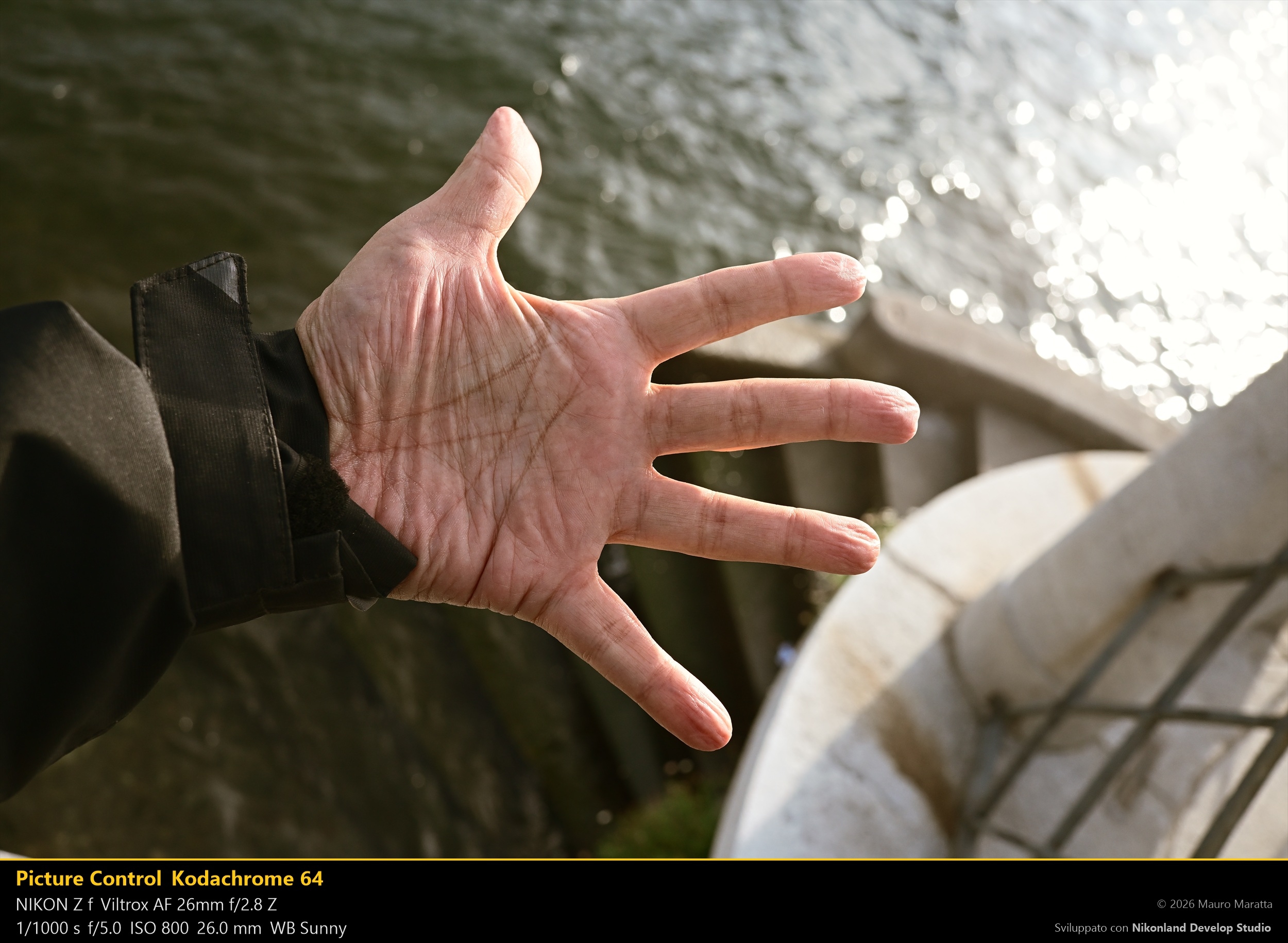 Nikonland Magazine
Alternative a Blurb per la stampa su richiesta di Nikonland Magazine ?
 Nikonland Magazine
Nikonland Magazine #14 - novembre 2026
 Politicamente Scorretto
Per Halloween vestitevi da fotografi. Tanto nessuno noterà la differenza.
Il Club di Max
Tutti aMAXcord
Periplo della Trinacria: Bandit 30 e LODE !
 Wind and Wuthering
Cossyra, alias Pantelleria, l'isola del Vento.
 Wind and Wuthering
Mistral al traverso
Software
Tutti
Mettiti in Gioco
.jpg.8ec843a763369da8556dce495118423d.jpg.70449170261c5b91341d5136afe3112d.jpg) Contest
ContestContest di Novembre 2026 : tutti i colori dell'autunno
 Contest
Contest di Nikonland : LE MANI CHE FANNO
 Contest
Contest di fauna selvatica, novembre 2026
 Sondaggio
Nikon Z70 sotto l’albero? Facciamo due conti prima di scrivere a Babbo Nikon
 Sondaggio
Che cosa fotografate davvero con la vostra Nikon?
 Sondaggio
Chi usa Windows e chi Apple ?
Mercatino
TuttiScorri gli annunci →
.thumb.jpg.63d1d2f928ca8acce4bb8c6cd5b3c451.jpg)