

Jump to content
View in the app

A better way to browse. Learn more.

Nikonland.it

A full-screen app on your home screen with push notifications, badges and more.

To install this app on iOS and iPadOS
  1. Tap the Share icon in Safari
  2. Scroll the menu and tap Add to Home Screen.
  3. Tap Add in the top-right corner.
To install this app on Android
  1. Tap the 3-dot menu (⋮) in the top-right corner of the browser.
  2. Tap Add to Home screen or Install app.
  3. Confirm by tapping Install.
A club blog for Il Club di Max e Mauro
  • Entries

    24
  • Comments

    125
  • Views

    17,265

About this blog

Conosco un posto nel mio cuore
Dove tira sempre il vento
Per i tuoi pochi anni e per i miei che sono cento
Non c'è niente da capire, basta sedersi ed ascoltare
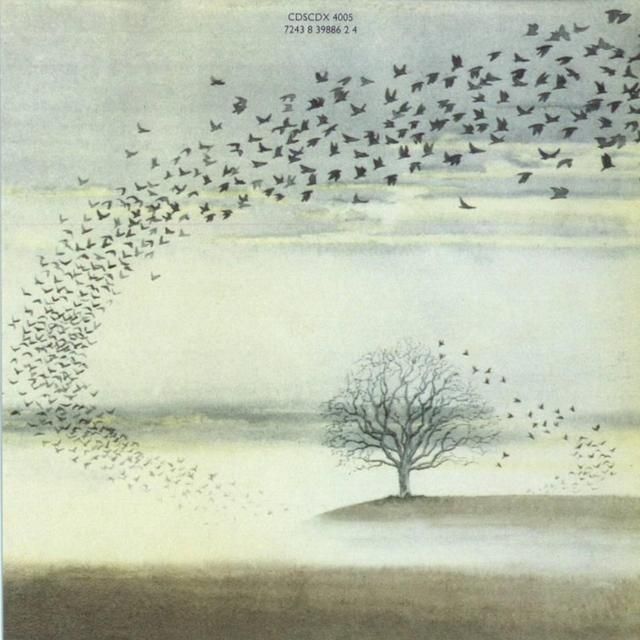
ww.jpg

Entries in this blog

Configure browser push notifications

Chrome (Android)
  1. Tap the lock icon next to the address bar.
  2. Tap Permissions → Notifications.
  3. Adjust your preference.
Chrome (Desktop)
  1. Click the padlock icon in the address bar.
  2. Select Site settings.
  3. Find Notifications and adjust your preference.