Jump to content
View in the app

A better way to browse. Learn more.

Nikonland.it

A full-screen app on your home screen with push notifications, badges and more.

To install this app on iOS and iPadOS
  1. Tap the Share icon in Safari
  2. Scroll the menu and tap Add to Home Screen.
  3. Tap Add in the top-right corner.
To install this app on Android
  1. Tap the 3-dot menu (⋮) in the top-right corner of the browser.
  2. Tap Add to Home screen or Install app.
  3. Confirm by tapping Install.
A blog by Enrico Floris in General
  • Entries

    28
  • Comments

    309
  • Views

    15,682

About this blog

..

Entries in this blog

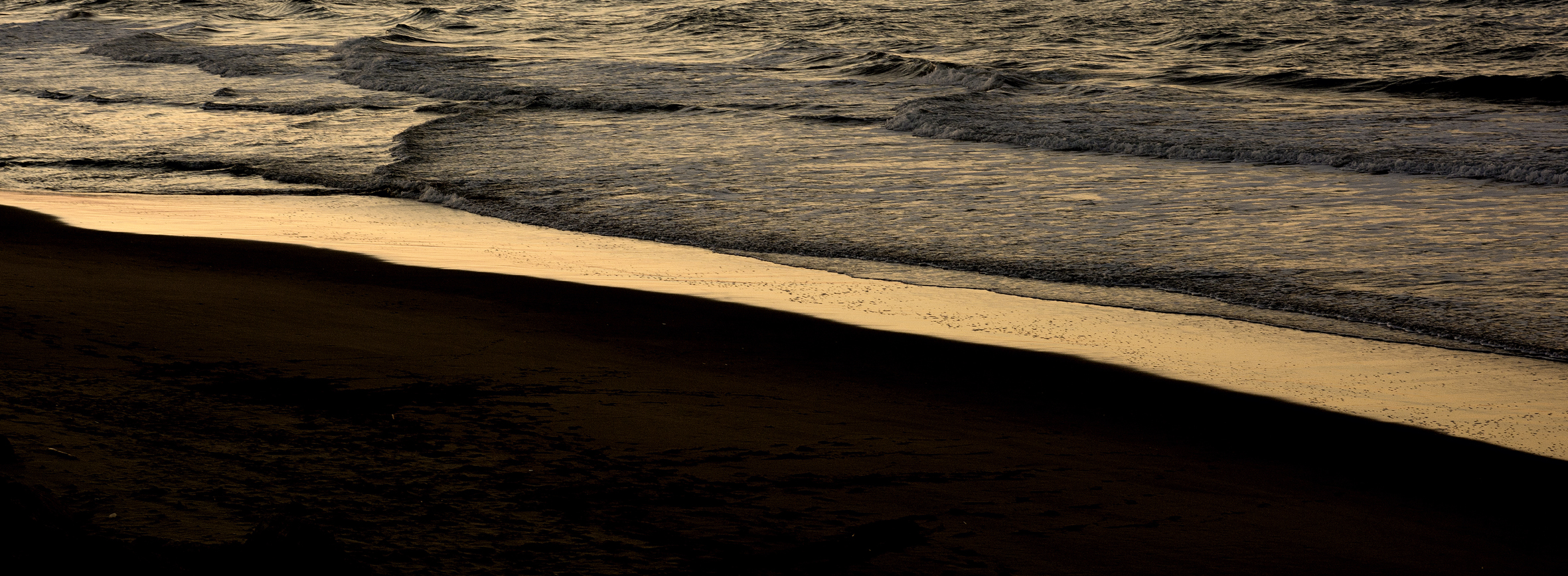
NON è un test tecnico, non può esserlo, non ho le conoscenze per farlo e men che meno l'ambizione di farlo. Piuttosto lo classificherei come test emotivo se mi passate la definizione. Ho sempre fotografato _ lo sapete _ con fotocamere aps-c (salvo qualche rara occasione). Di tutte quelle che possiedo (non mi sono mai liberato di nessuna di esse) ho apprezzato i pregi e sopportato i difetti. Ho iniziato con la D80 che riusciva a rendere i colori brillanti anche sotto un acquazzone; ho apprez

Configure browser push notifications

Chrome (Android)
  1. Tap the lock icon next to the address bar.
  2. Tap Permissions → Notifications.
  3. Adjust your preference.
Chrome (Desktop)
  1. Click the padlock icon in the address bar.
  2. Select Site settings.
  3. Find Notifications and adjust your preference.