
Jump to content
View in the app

A better way to browse. Learn more.

Nikonland.it

A full-screen app on your home screen with push notifications, badges and more.

To install this app on iOS and iPadOS
  1. Tap the Share icon in Safari
  2. Scroll the menu and tap Add to Home Screen.
  3. Tap Add in the top-right corner.
To install this app on Android
  1. Tap the 3-dot menu (⋮) in the top-right corner of the browser.
  2. Tap Add to Home screen or Install app.
  3. Confirm by tapping Install.

zzz.thumb.JPG.f2422ab46335678e012780e2ee1d14b5.JPG

Ad un anno e tre mesi di distanza dal precedente, ecco l'aggiornamento fw 1.31 per la più bella delle DSLR DX Nikon,
massima espressione in quel formato, a sei anni dalla sua commercializzazione.

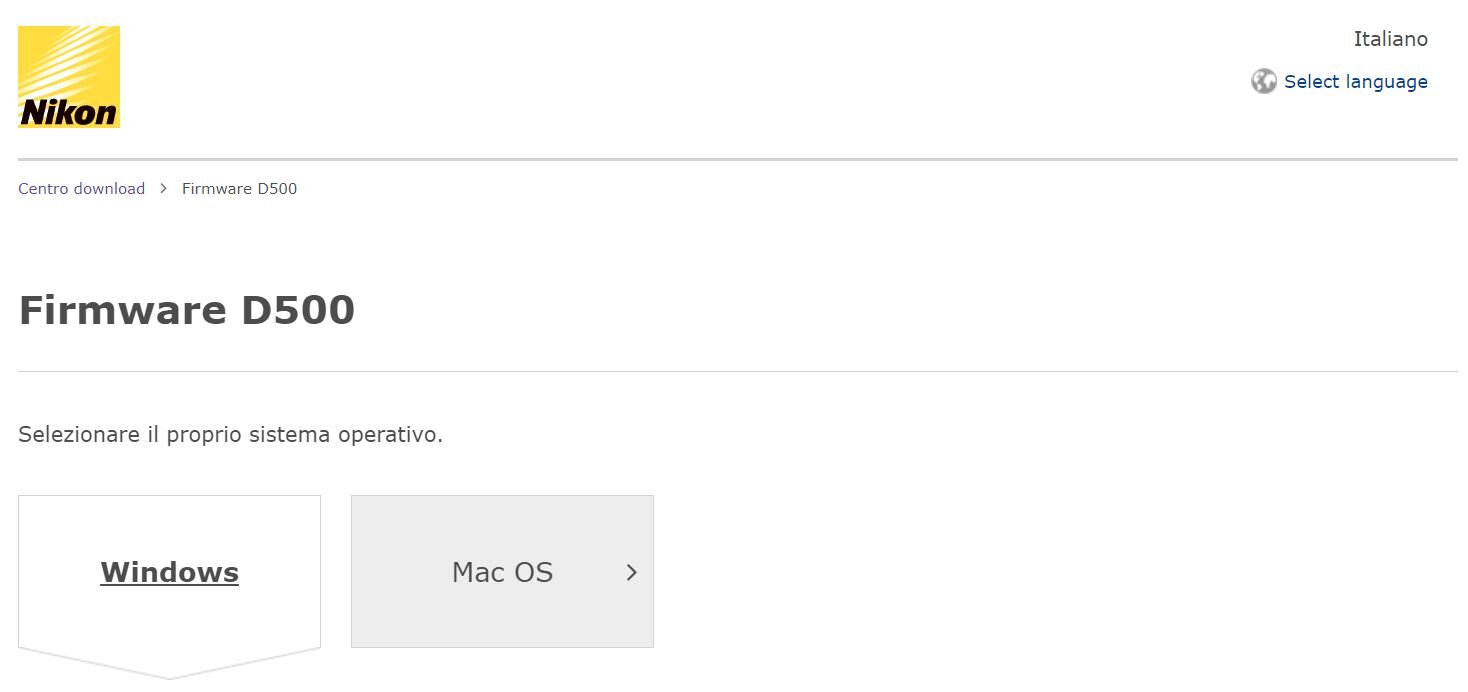
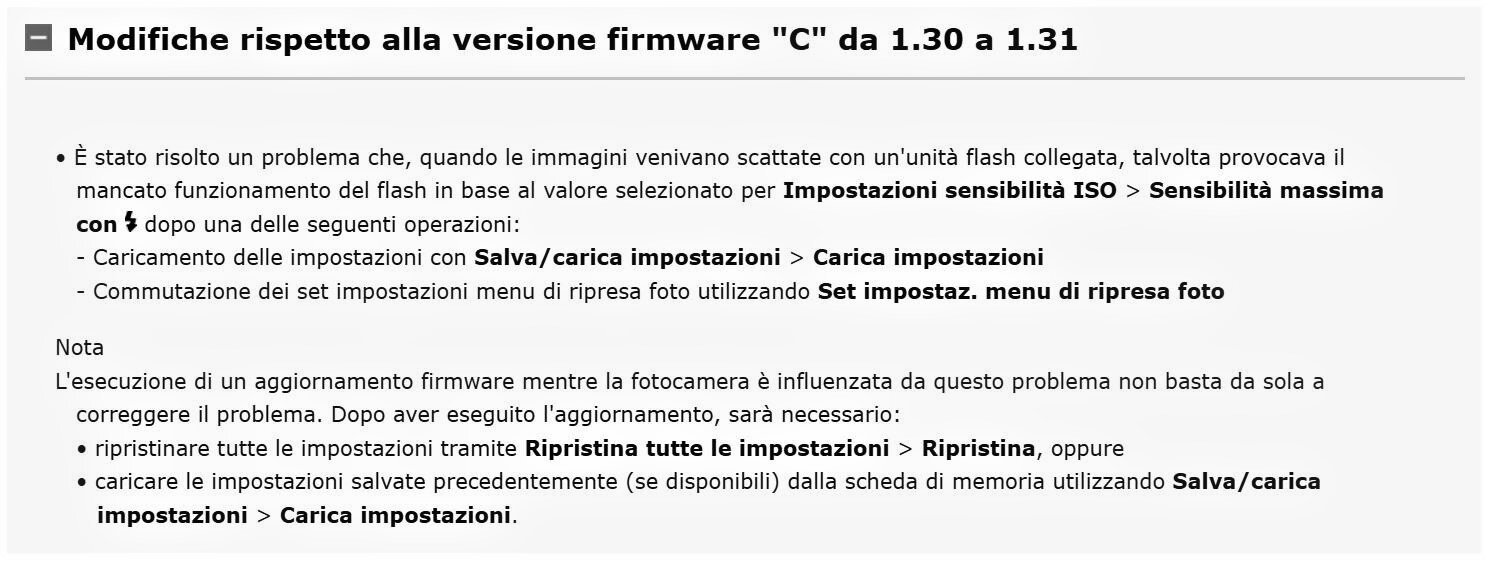
Ecco la pagina di download del fw 1.31, che rispetto al precedente apporta le seguenti migliorie:
 

131.thumb.JPG.122c7571c8df9535cfda96cda5abe4fc.JPG

In particolar modo, leggere bene la nota di precisazione.


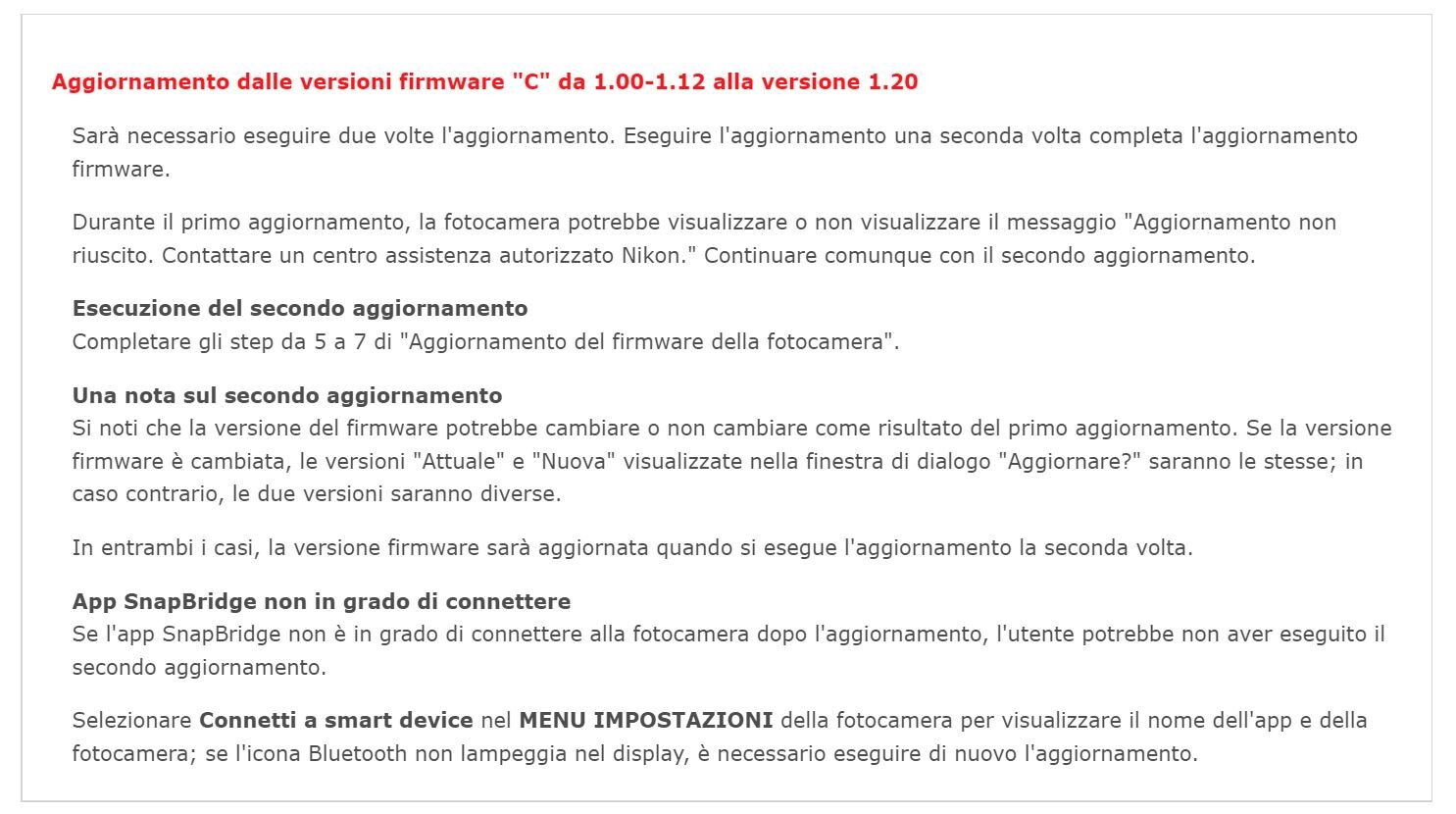
Ancora, in questa occasione Nikon ricorda che, eventuali aggiornamenti tra le versioni fw 1.00/1.12 e la versione 1.20 potrebbero sortire problemi di riuscita. Compresi problemi di utilizzo del software Snapbridge con la Nikon D500...

In particolare:
rrr.thumb.JPG.300dd2caeed92a29db5a5d9481c90983.JPG


User Feedback

Recommended Comments

There are no comments to display.

Configure browser push notifications

Chrome (Android)
  1. Tap the lock icon next to the address bar.
  2. Tap Permissions → Notifications.
  3. Adjust your preference.
Chrome (Desktop)
  1. Click the padlock icon in the address bar.
  2. Select Site settings.
  3. Find Notifications and adjust your preference.