Ma64
-
Numero contenuti
94 -
Iscritto
-
Ultima visita
Tipo di contenuto
Profili
Articoli
Obiettivi
Forum
Gallery
Blogs
Risposte pubblicato da Ma64
-
-
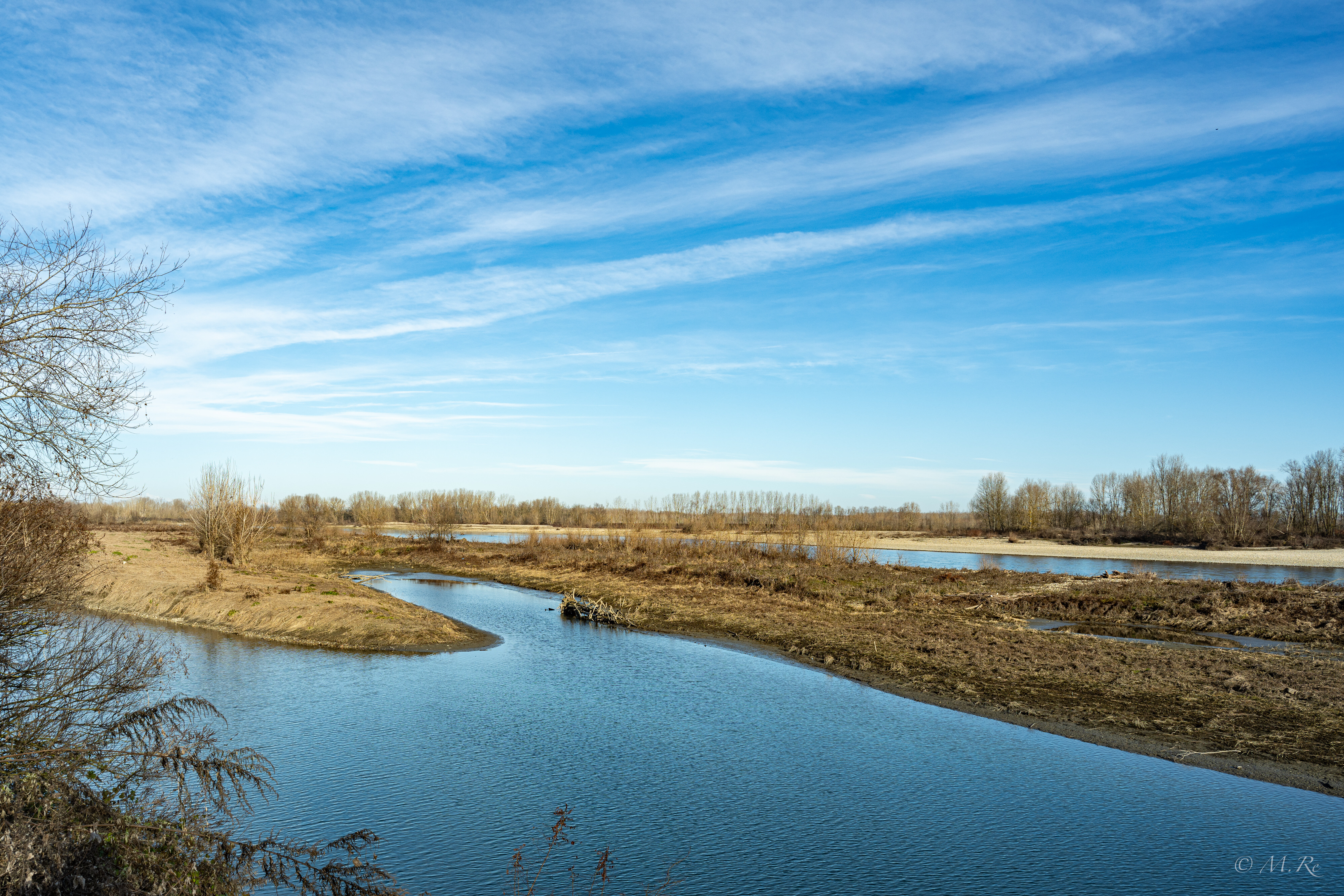
22.1 Lungo Po Chivasso (TO) 11 novembre 2023 - Nikon fc + Nikkor DX 18-140 1/160, f20, ISO 900
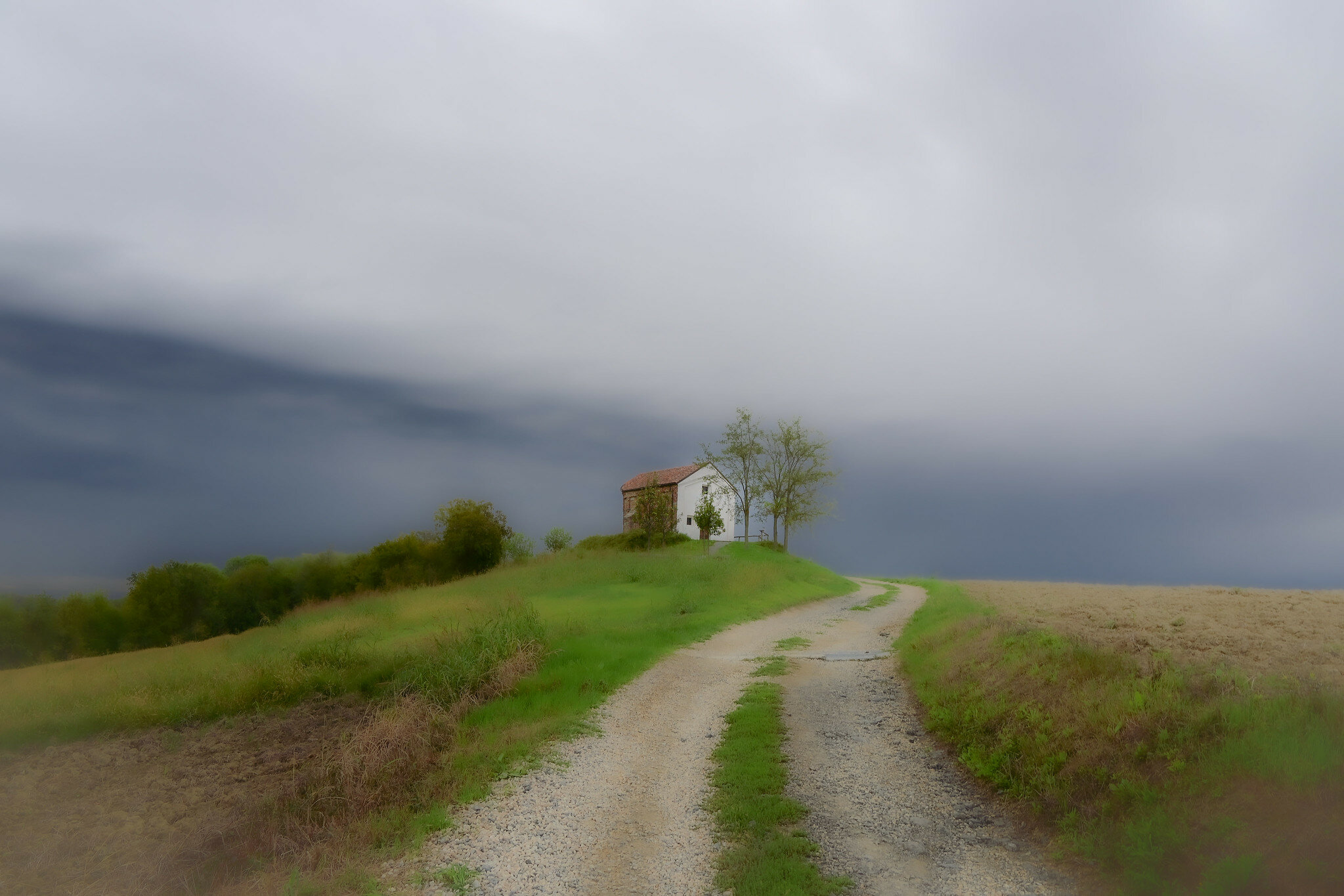
22.2 Cappella di San Lorenzo - Mombello 23 settembre 2023 - Nikon fc + Nikkor DX 18-140 1/50, f10, ISO 10

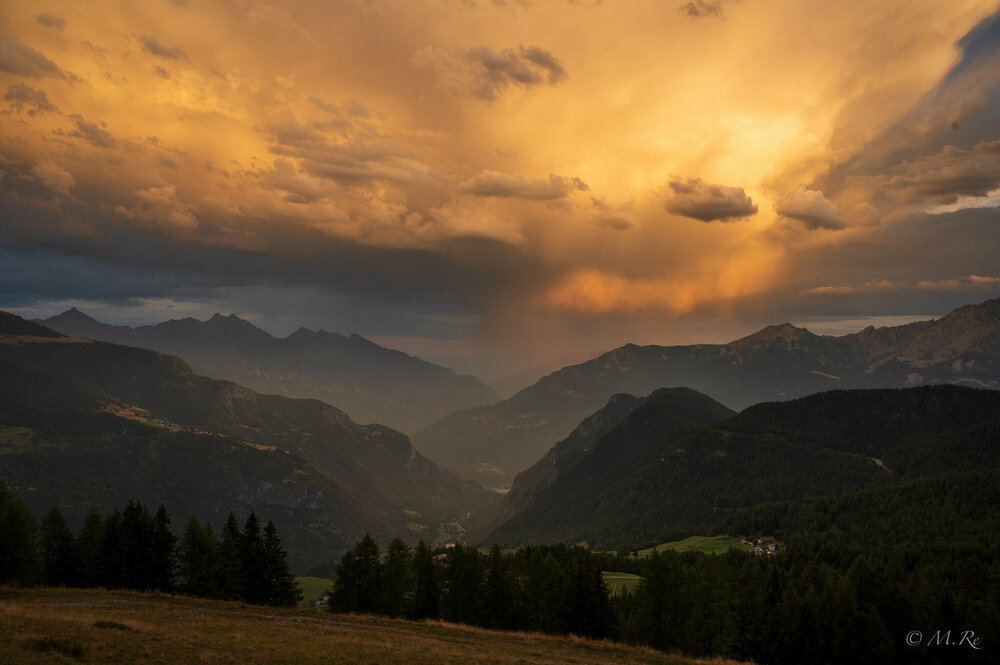
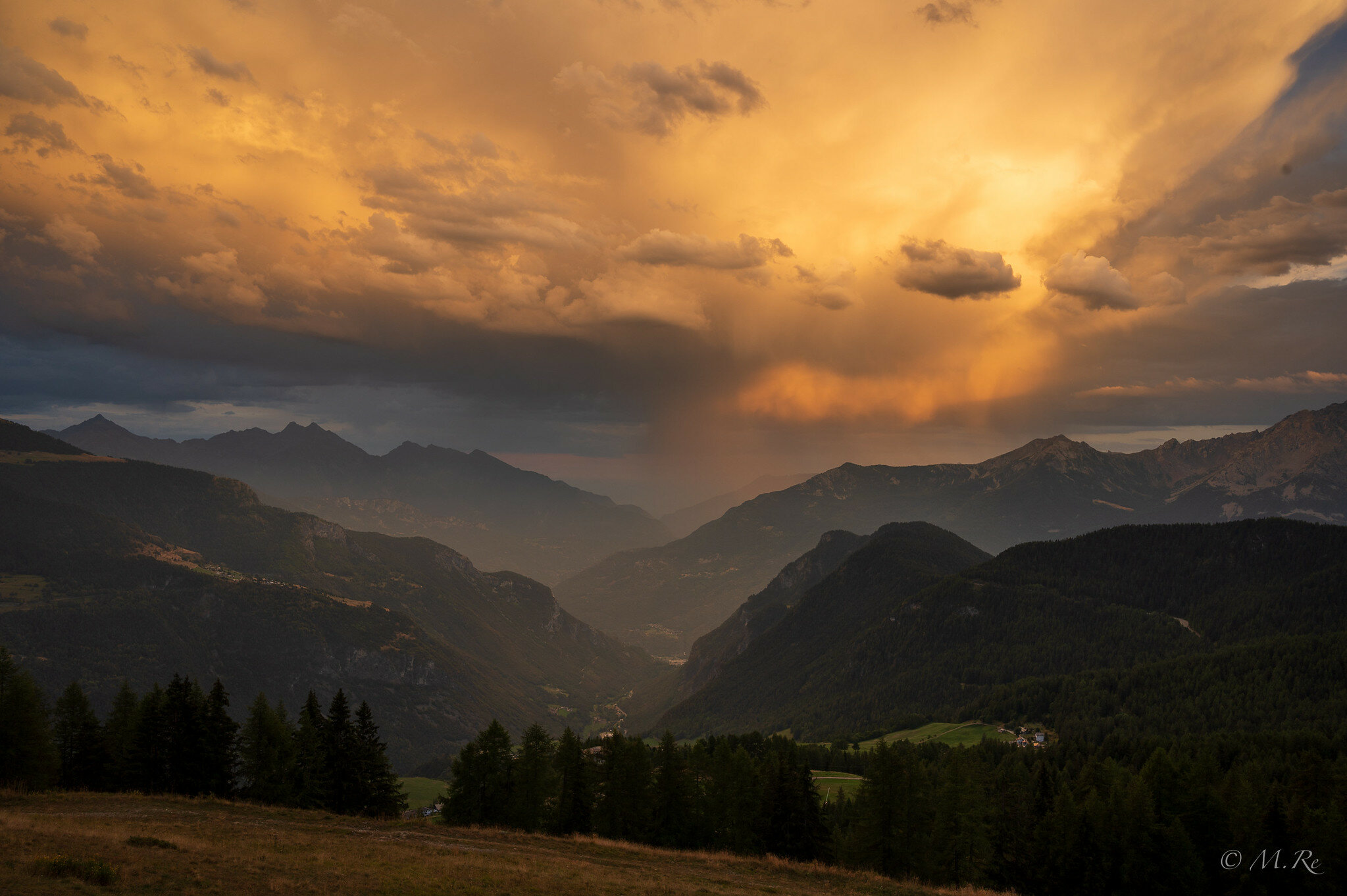
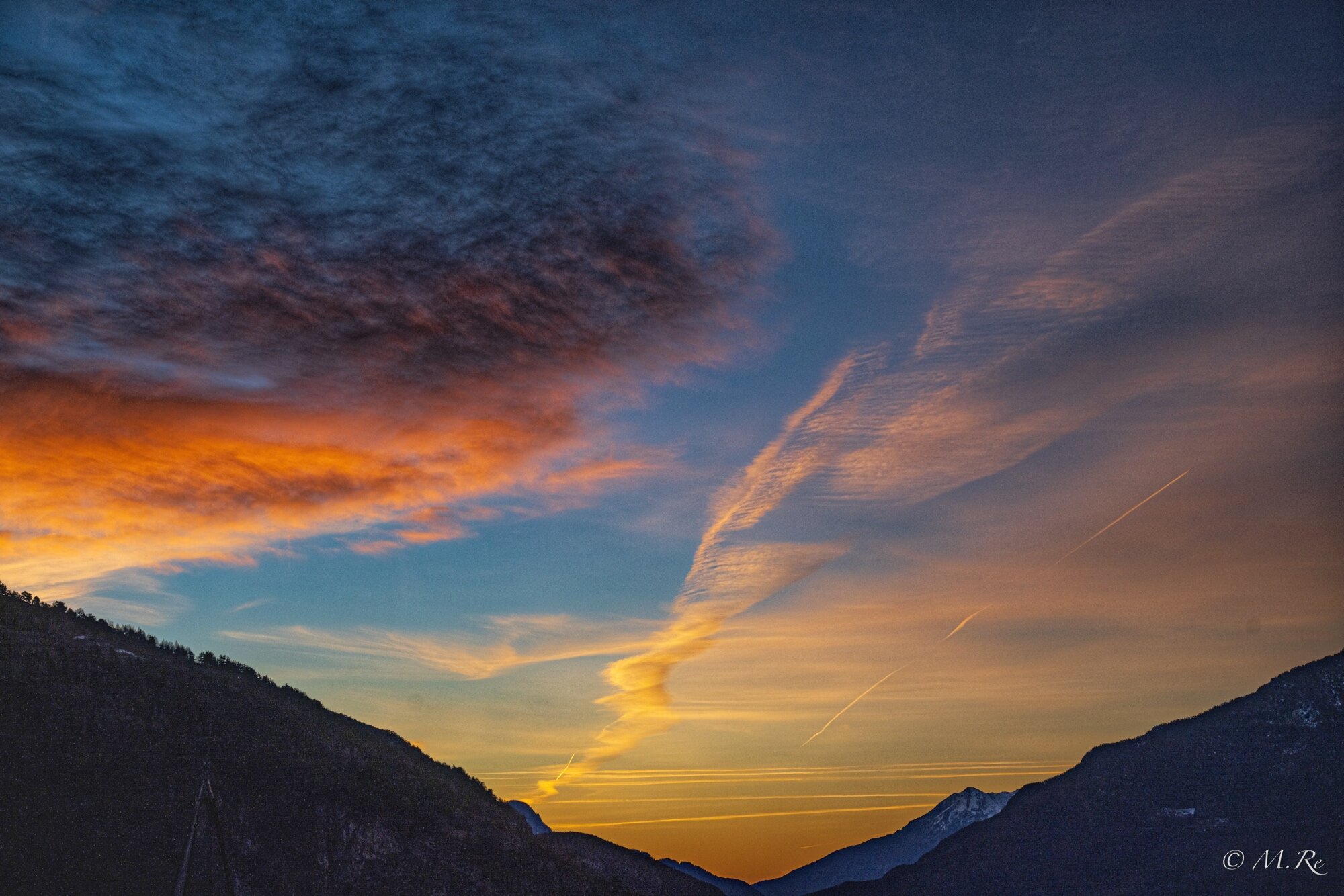
22.3 Tramonto da Torgnon (AO) 16 agosto 2023 - Nikon Z6 + Nikkor 28 mm f2.8 1/50, f9, ISO 100
-
 13
13
-
-
Grazie per il commento.
Chiedo scusa, credevo si vedessero automaticamente i dati di scatto.Comunque le foto sono state scattate con Z8 + 24-120 f/4, la prima apertura f/4, le altre f/8
Ciao
Marco -
-
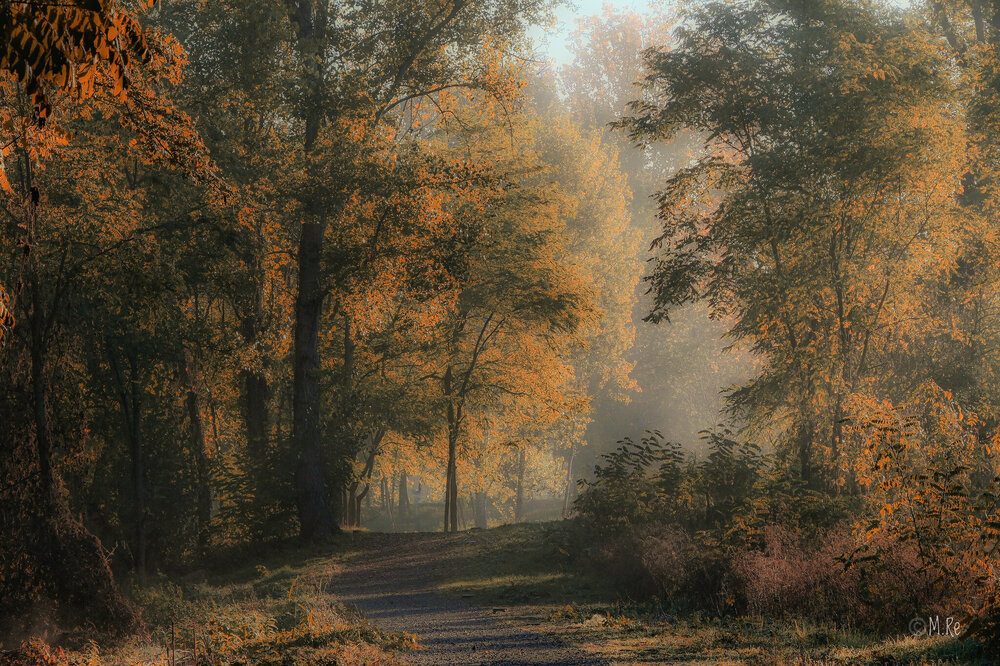
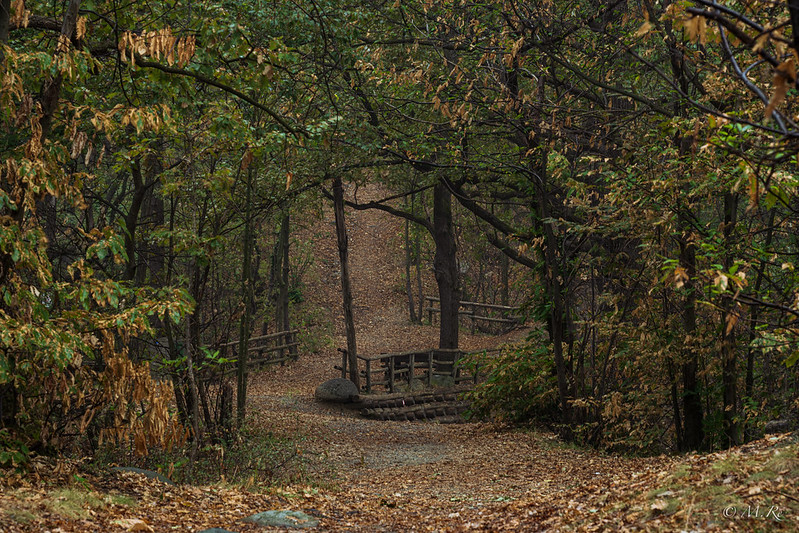
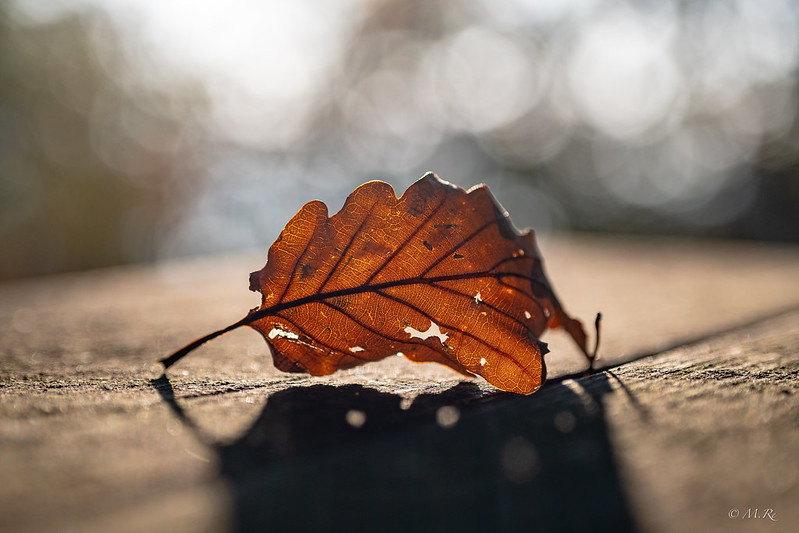
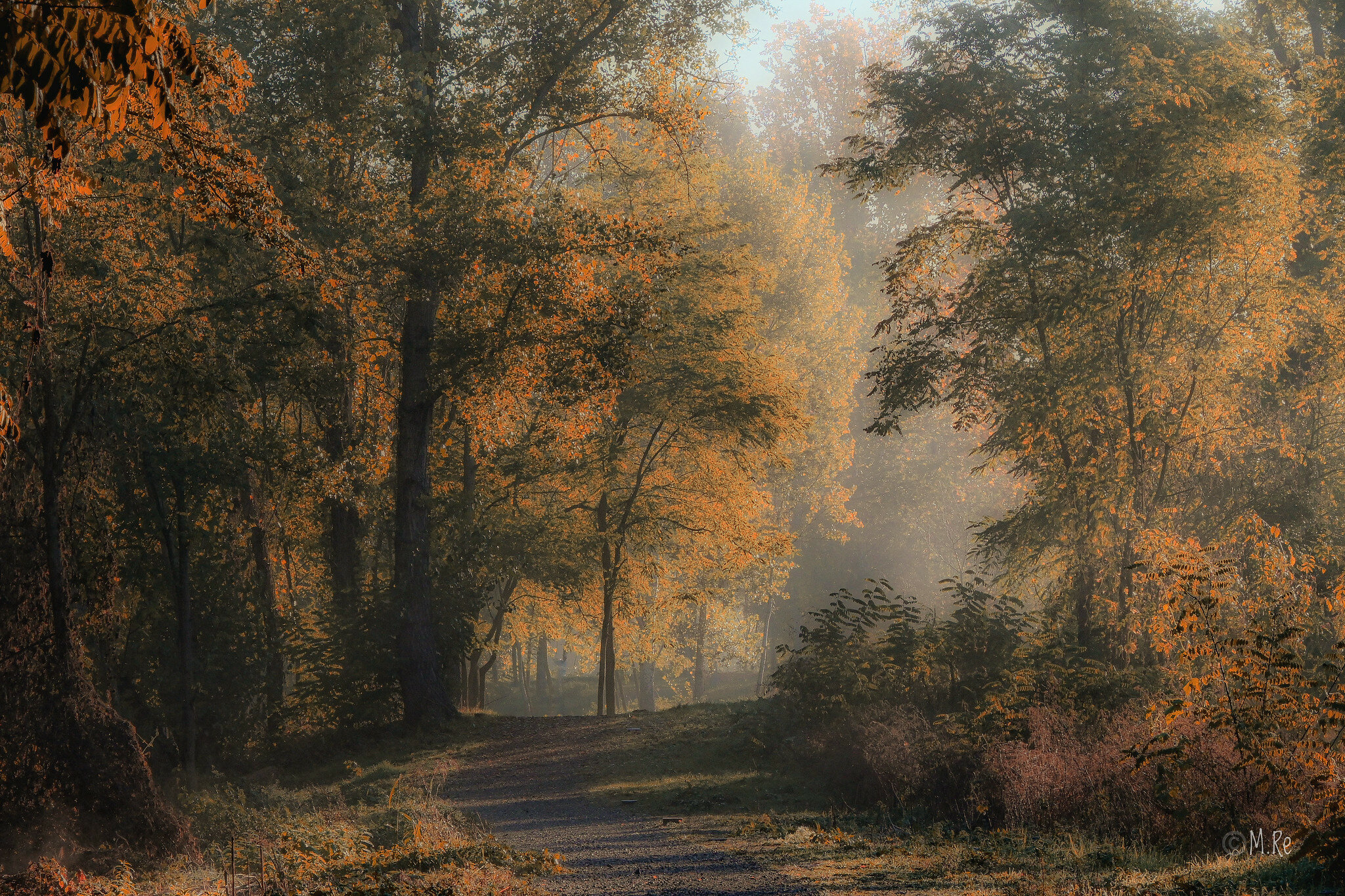
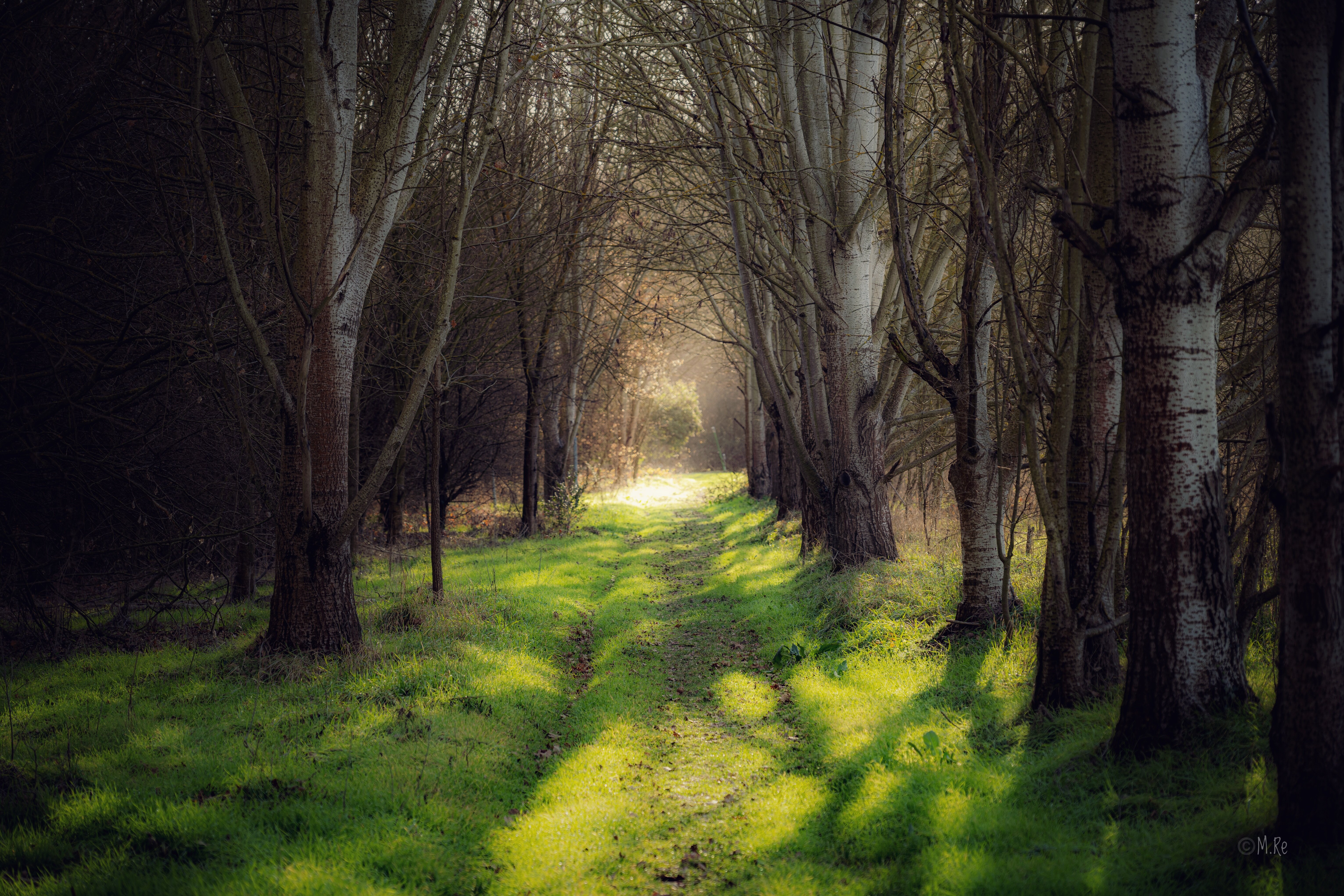
Due foto autunnali nello stesso bosco, che si trova vicino a Castagneto Po, nelle colline torinesi.
La prima di ieri (24/09/22) sotto la pioggia con il treppiede, Nikon Z7II e obiettivo Nikon Z 24-120 f 4 (f 11- 0,5 sec - ISO 64)
La seconda di un anno fa (17/10/2021) con Nikon Z50, obiettivo Nikon Z MC 50 f 2,8 (f 3,5 - 1/640-sec ISO 100)
Saluti a tutti
Marco Re
-
6
-
-
1) la 9 Lo sfuocato e la semplicità nella sua difficoltà
2) la 14 La nitidezza, i colori: superba
3) la 5 Atmosfera ed ambiente
-
#10
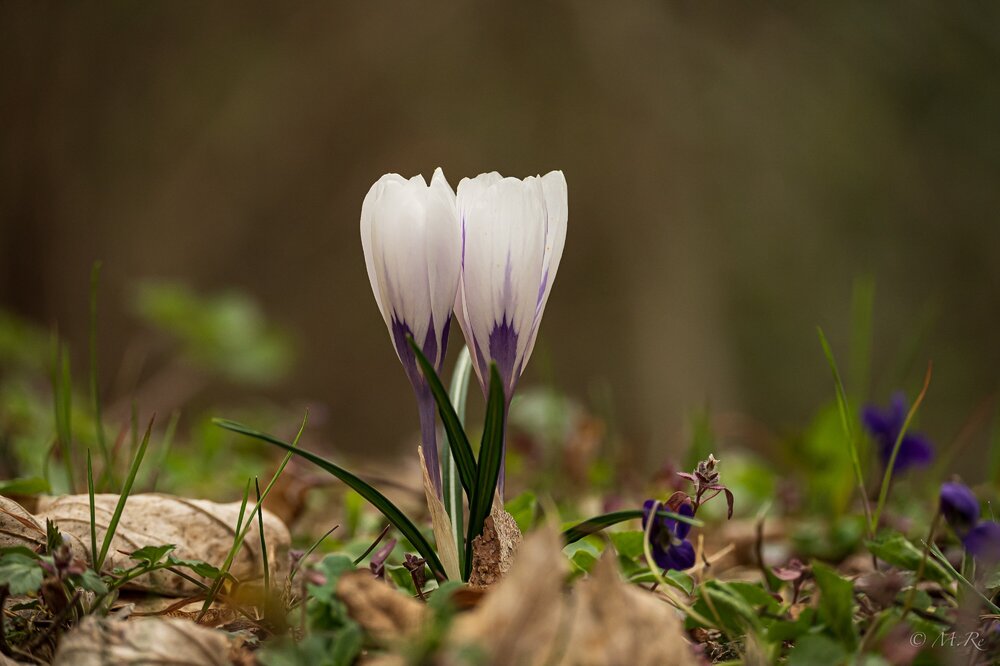
Tentativo di primavera
17/03/2022
Nikon Z50 + Nikon Z DX 50-250 mm
ISO 560 130 mm f/5.3 1/200 sec
-
4
-
-
1) la n 1 per il blu sul nero perfetto
2) la n 7 eterea
3 ) la 14 lo sguardo e lo sfondo
-
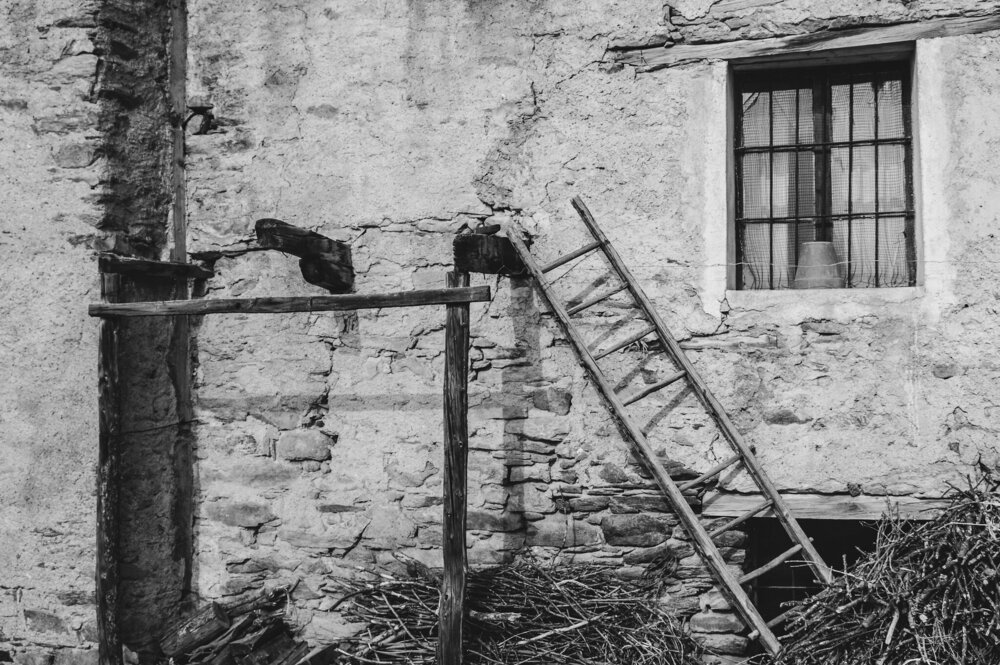
# 13
La scala
Nikon ZII + Z 24-200
f/5.5 1/500 ISO 64
foto del 6/3/22
-
1
-
-
1° la 13 - Mi piace lo stile, la sfocatura, il bianco e nero
2° la 7 - Mi piacciono i colori e la "nuvola" di volatili
3° la 6 - Da ciclista amatore quale sono, per me è poesia
-
1 la n 1 mistero e suggestione
2 la n 10 nuvole e raggi
3 la 14 colori e sogno
-
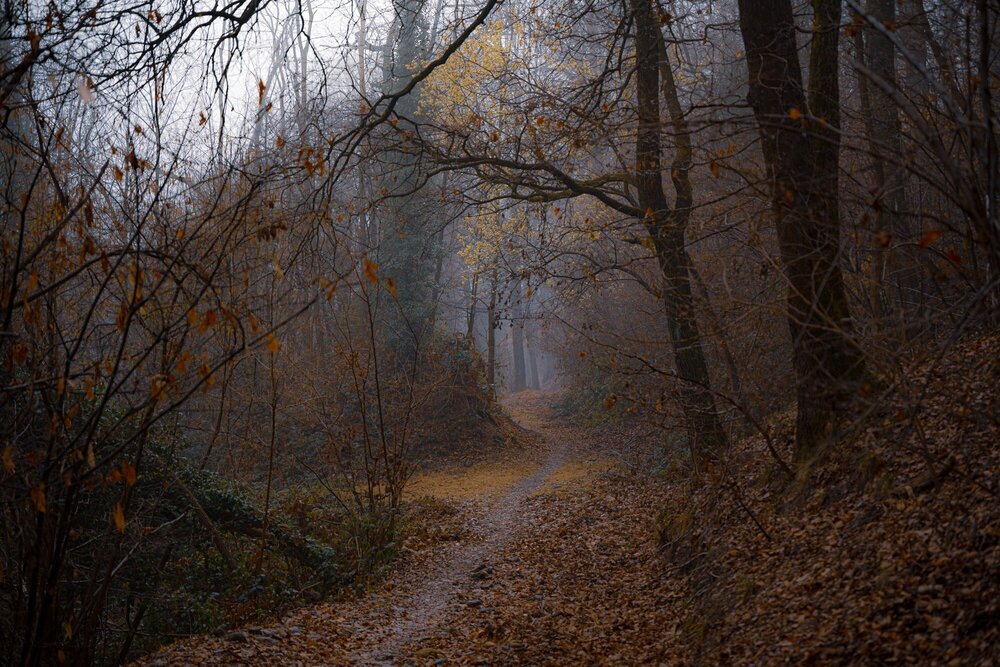
#9
Woodland
19 febbraio 2022
Nikon 7II + Nikon Z 70-200
1/500 f/2.8 ISO 64
-
4
-
-
1) la 12 per i colori, lo sfuocato, le goccioline
2) la 13 Colori, nitidezza e riflessi
3) la 11 Semplice ma evocativa
-
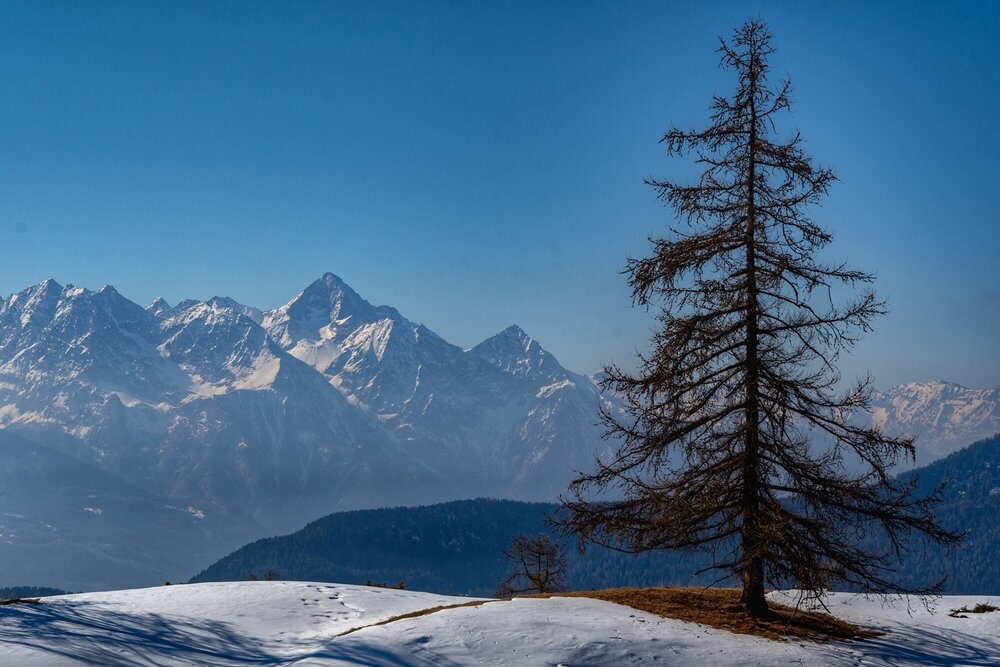
#7
Pino solitario
Nikon Z7II + Z 70-200 f/2.8
1/640 f/8 ISO 64
13/02/22
-
2
-
-
1) la 4 mi pace molto la composizione, la nitidezza e il dinamismo trasmesso dall’immagine
2) la 6 per i colori, la nitidezza dell’immagine e la simpatia del soggetto
3) la 12 per gli occhietti curiosi, lo sfondo e la composizione
-
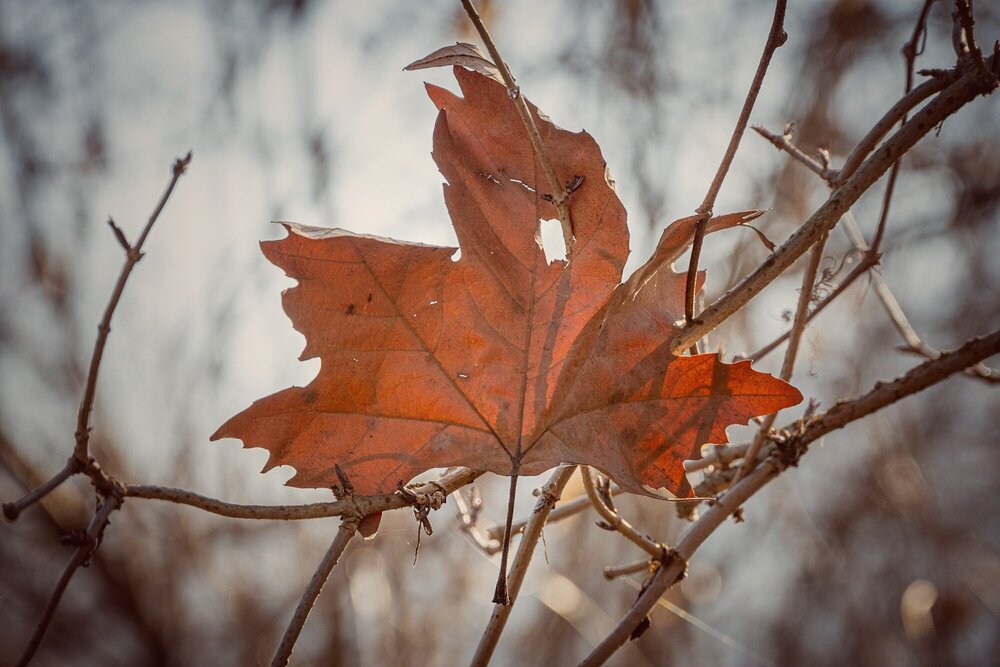
#5
L'infilzata
Nikon Z50 + Nikkor Z 24-200 f/4-6.3 VR
1/250 f/6.3 ISO 160
scattata il 09/02/22
-
1) la 16 Composizione e morbidezza dei colori
2) la 13 Tenebrosa e intensa
3) la 3 Colore e movimento
-
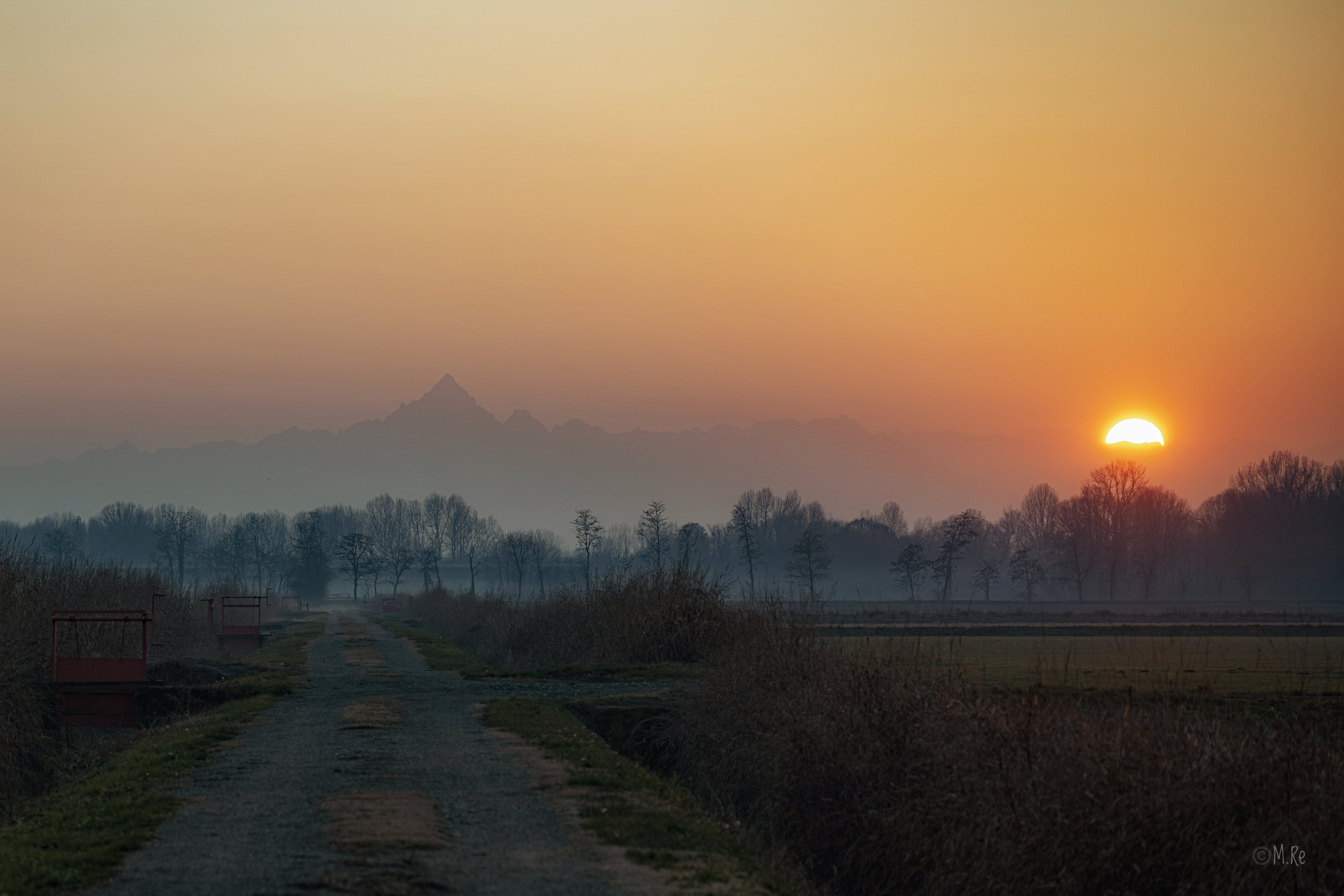
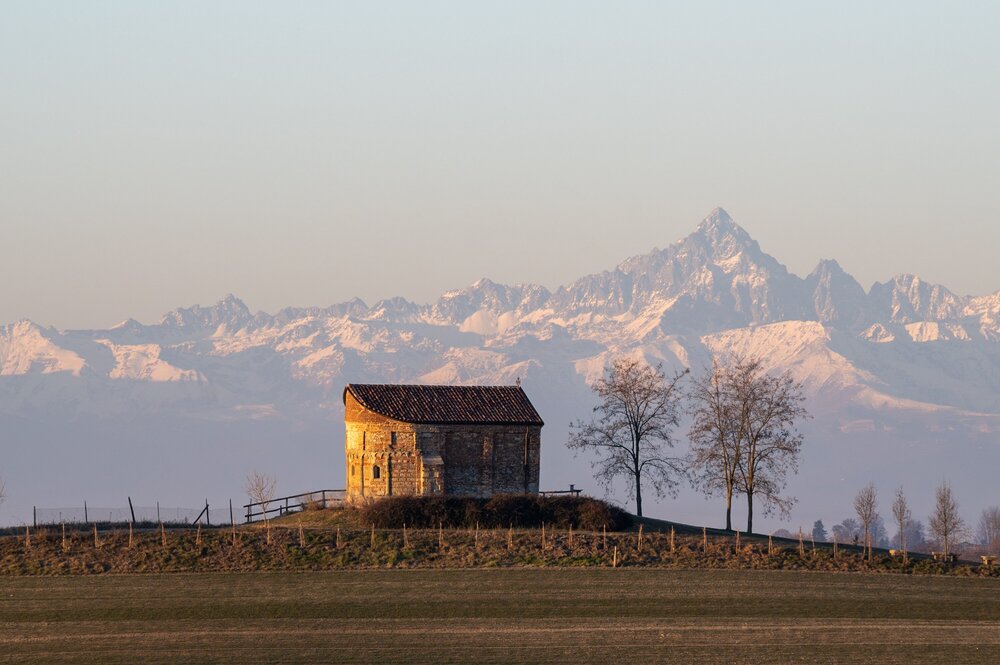
# 1
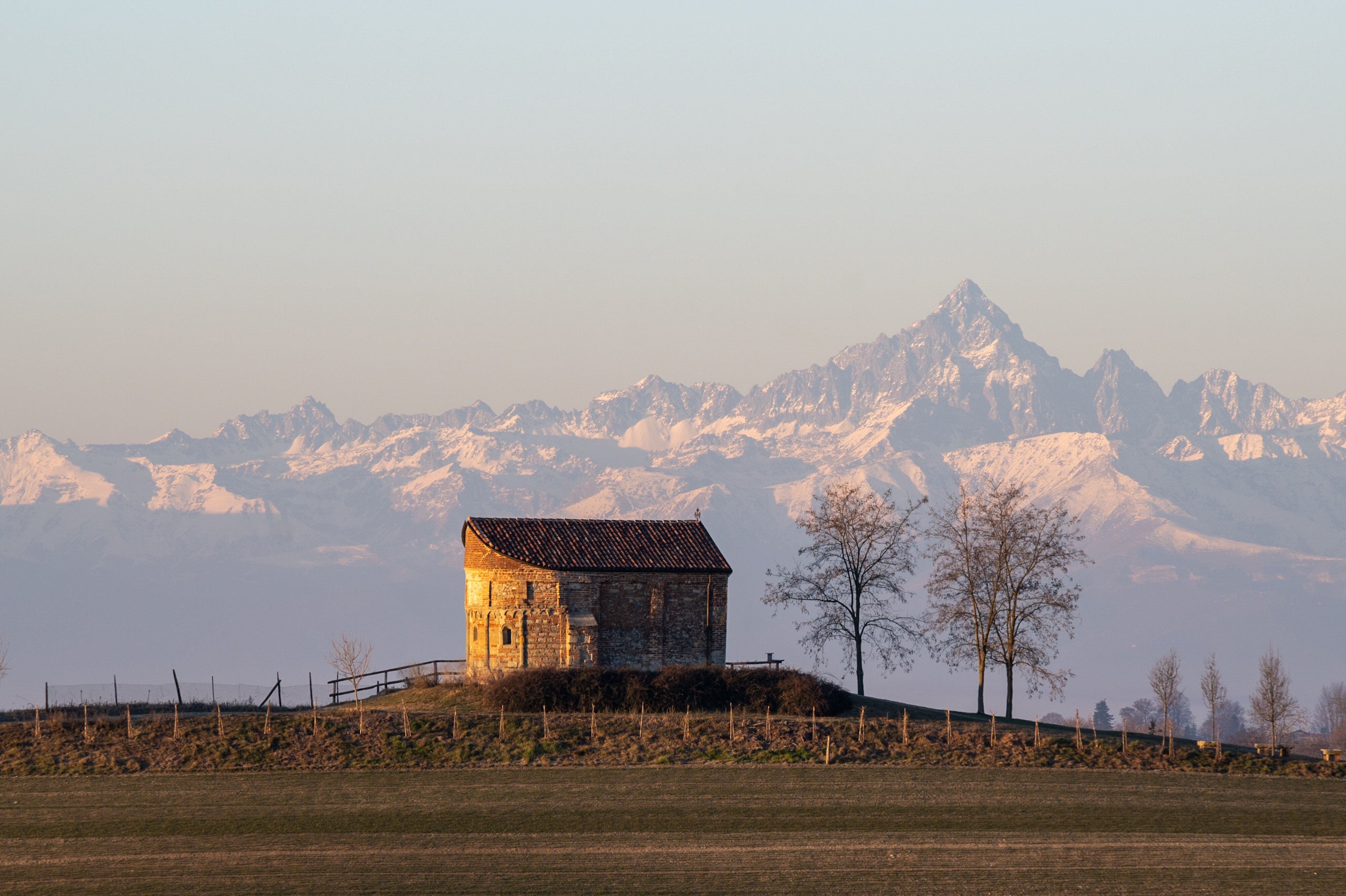
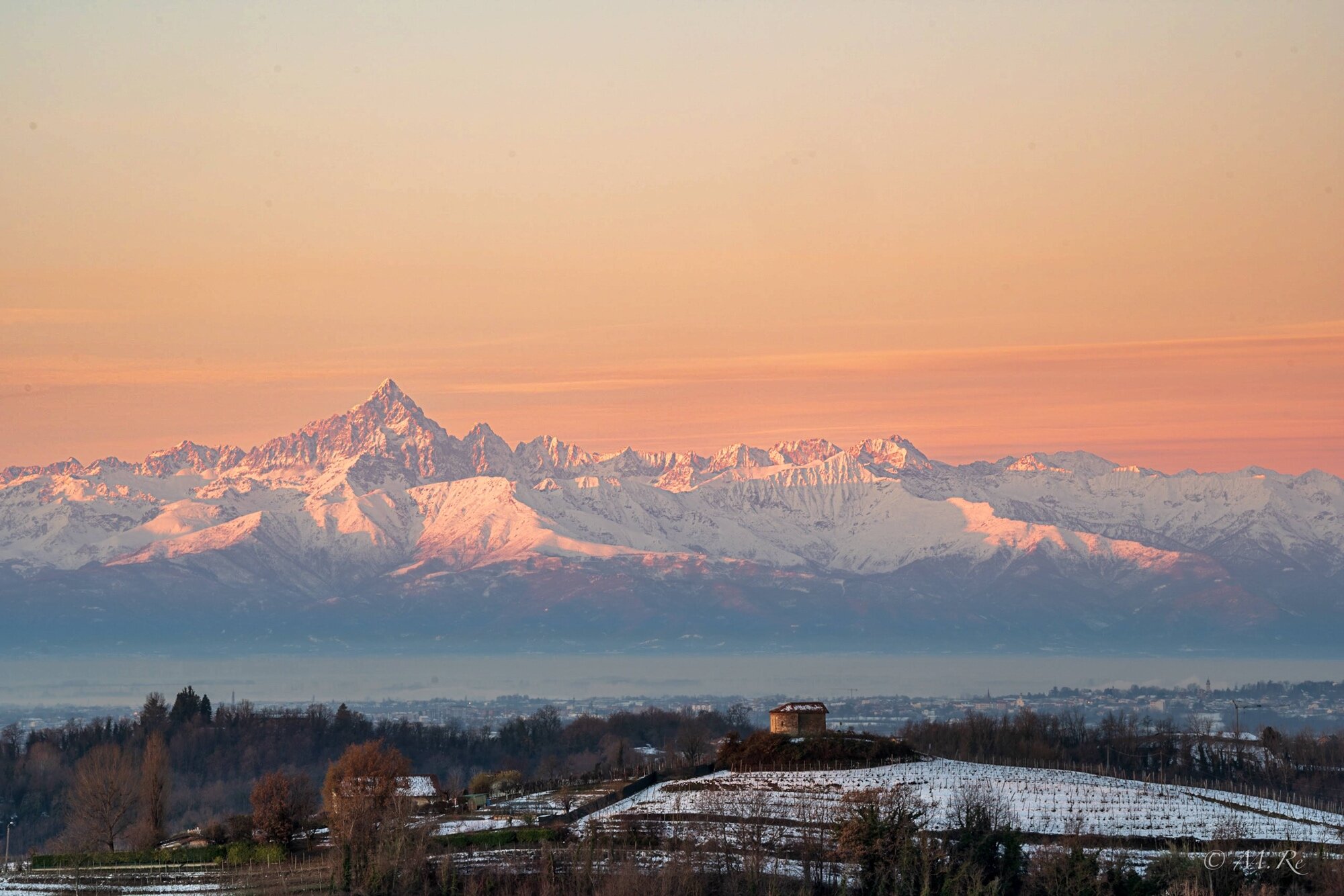
Chiesetta romanica e Monviso
Nikon Z7II+ Z 70-200 f/2.8
29/01/22
-
4
-
-
1) la n 12. Sensazione di libertà
2) la n 13 Soggetto intrigante e gioco di ombre
3) la n 9 Mi piacciono i colori e lo sfuocato
-
1) la n 9 per aver cristallizzato un bellissimo momento
2) la n 4 per i colori, il movimento del mare e la pace trasmessi dall’immagine
3) la 22 per la composizione che indirizza l’occhio verso il sole che tramonta
-
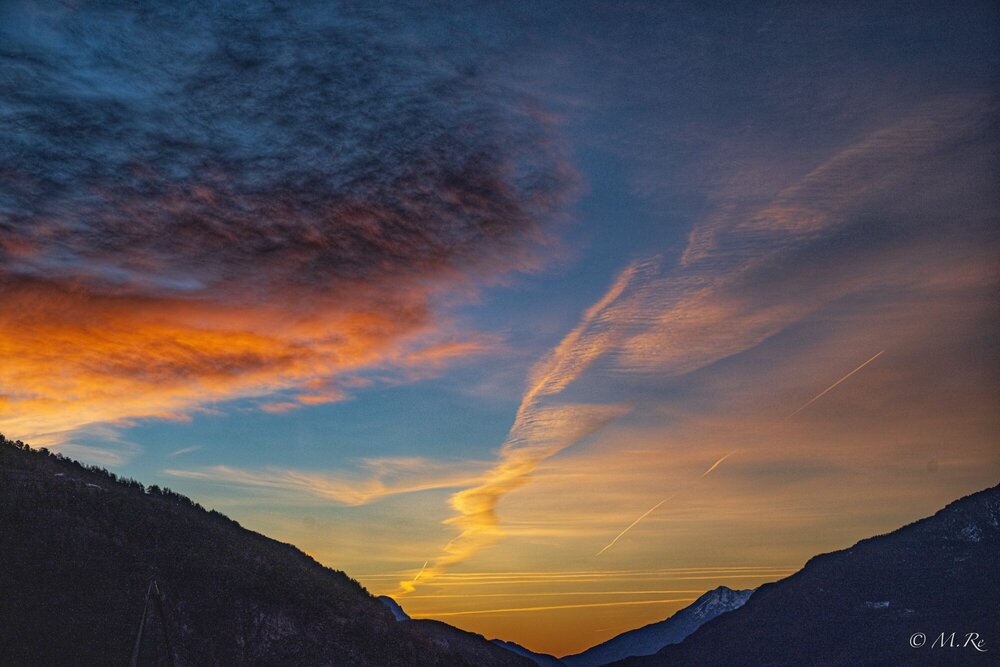
#1 Prima Alba del 2022
Nikon Z 7II + Z 24-70 mm 4 f/4 S
1/640 sec f/6.3 ISO 160
1 gennaio 2022
-
3
-
-
1) n.4 Per il contrasto tra il bianco che tutto sommerge ed il nero presente in ogni foto che fatica a manifestarsi
2) n.12 Per il racconto di un mestiere perfettamente rappresentato in bianco e nero
3) n.11 Una sinfonia di acqua e colori
-
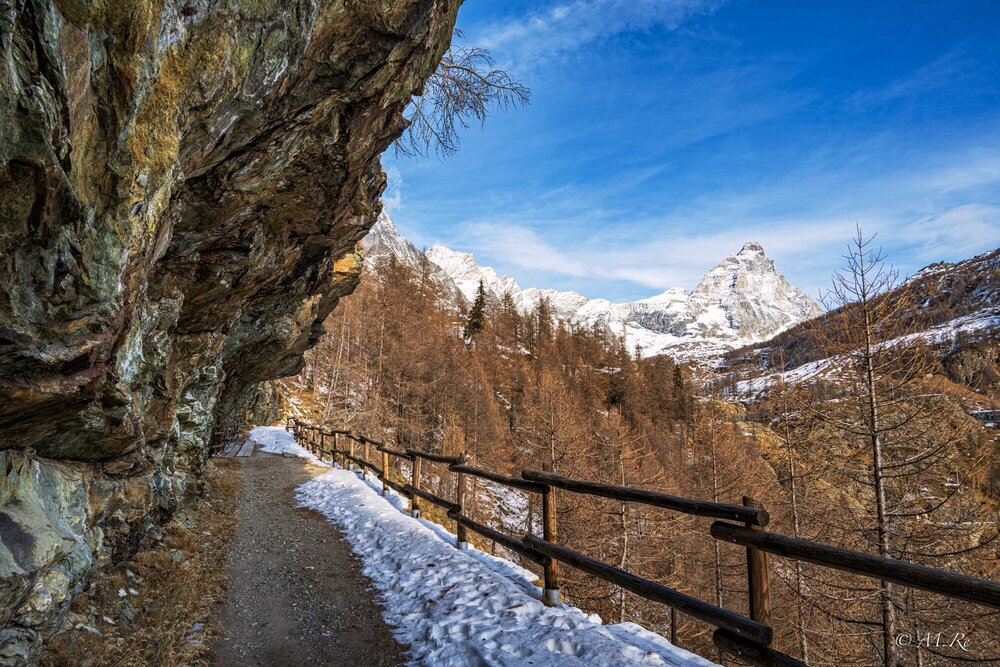
#3
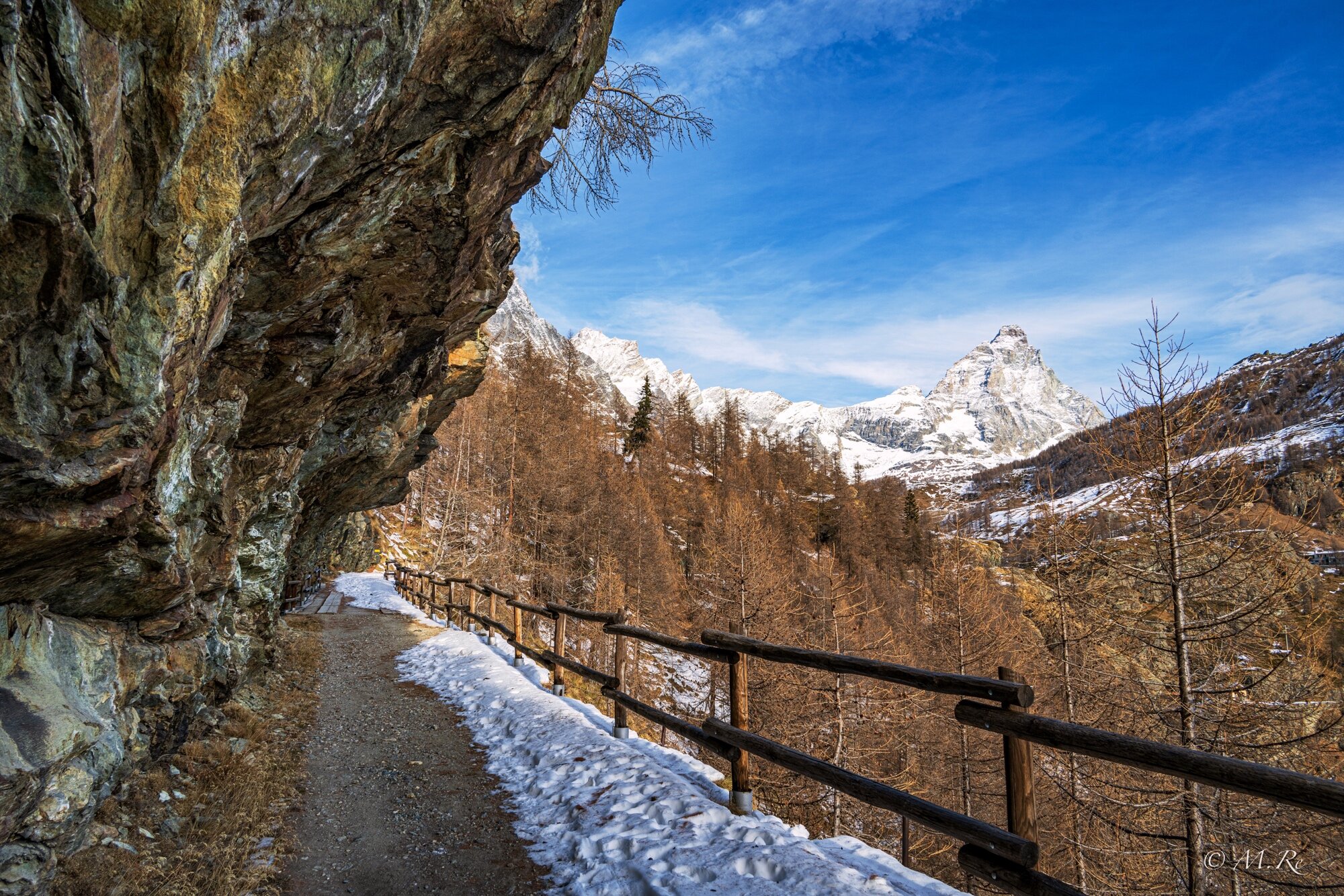
Balconata sul Cervino
Nikon 7II, 24-200mm f/4-6.3 VR
24 mm, f/10, 1/100, ISO 64
26 dicembre 2021
-
6
-
-
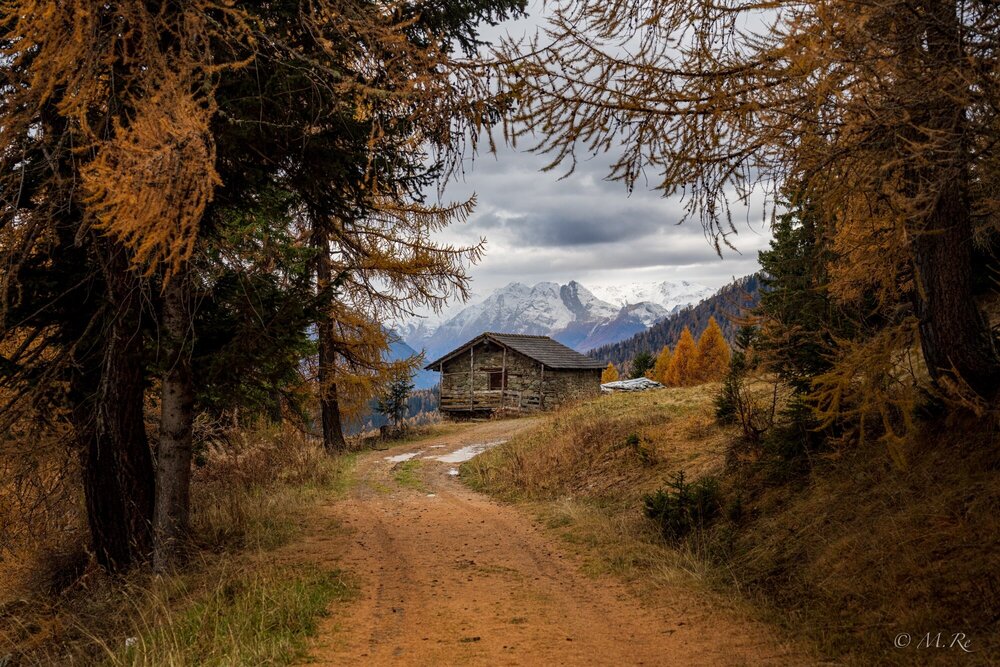
#1
Visione d’autunno
14 novembre 2021
Nikon ZII + Nikkor Z 50mm f1.8 S
-
10
-
-
#10
Sabato 12 dicembre
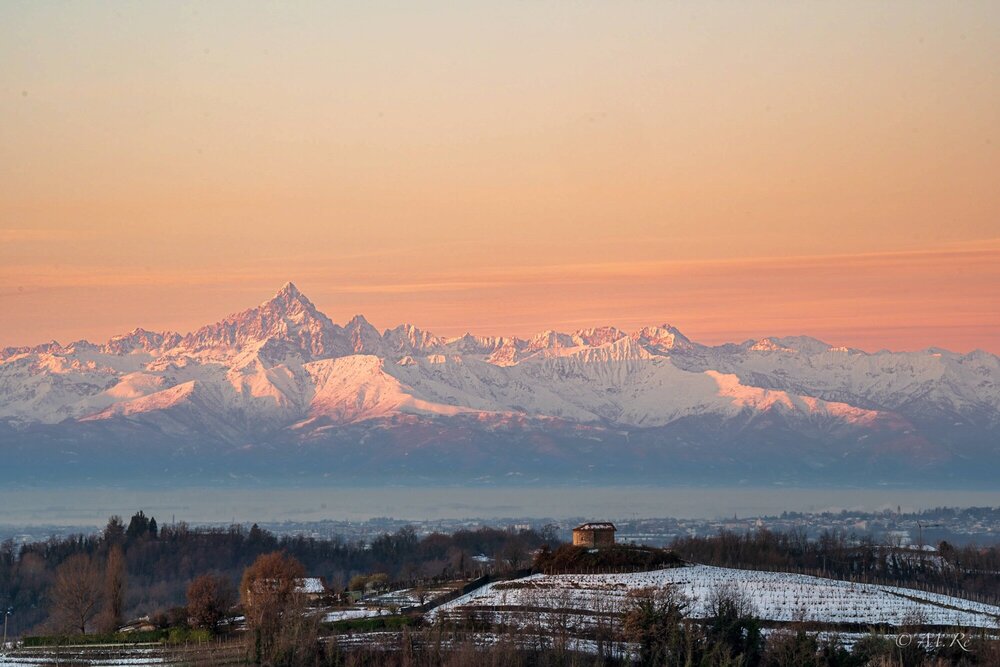
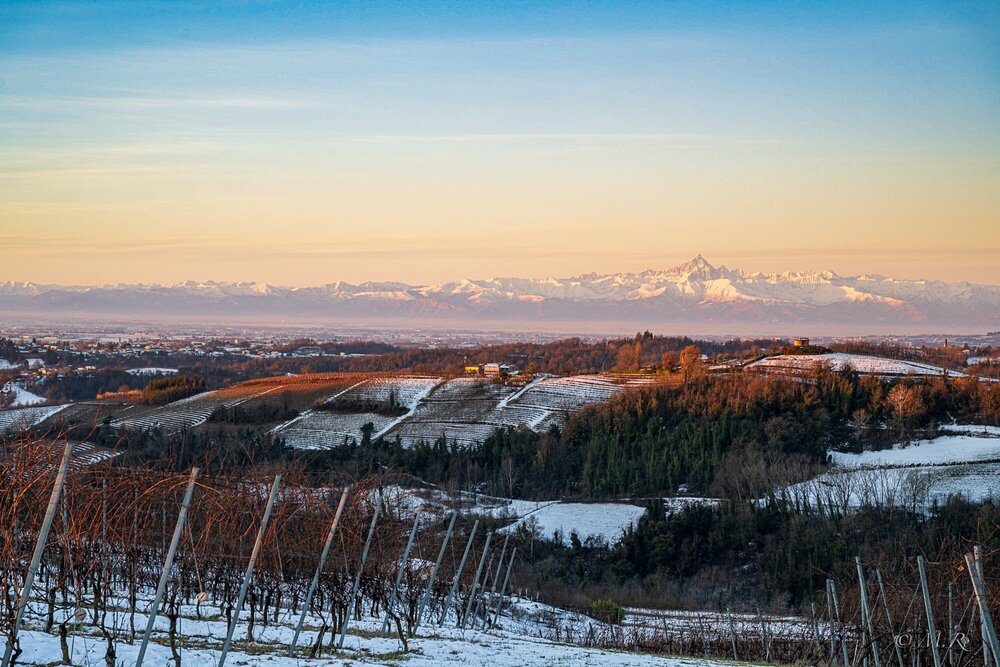
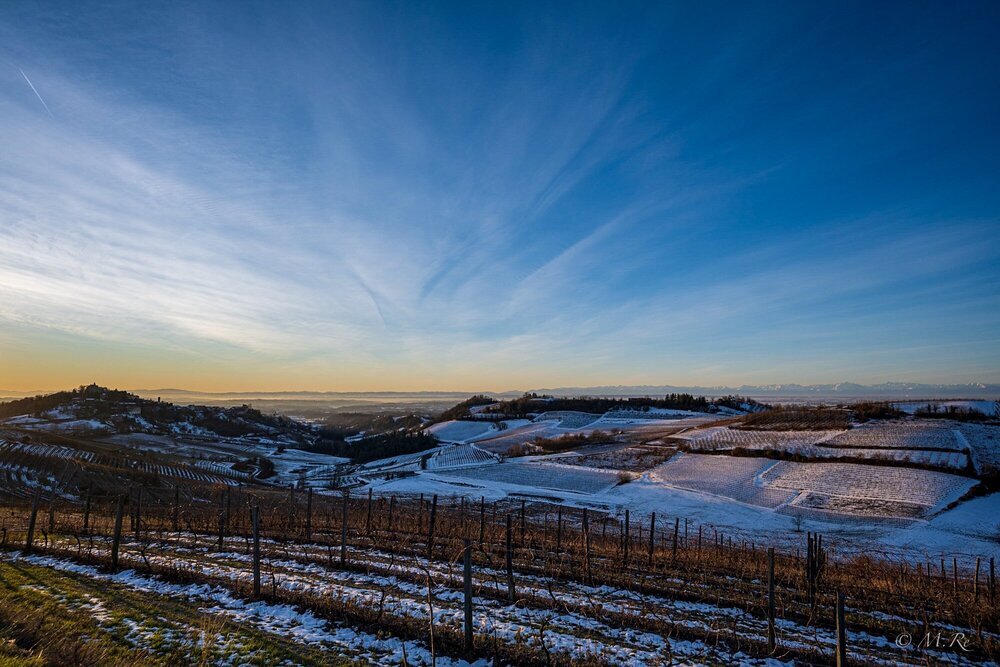
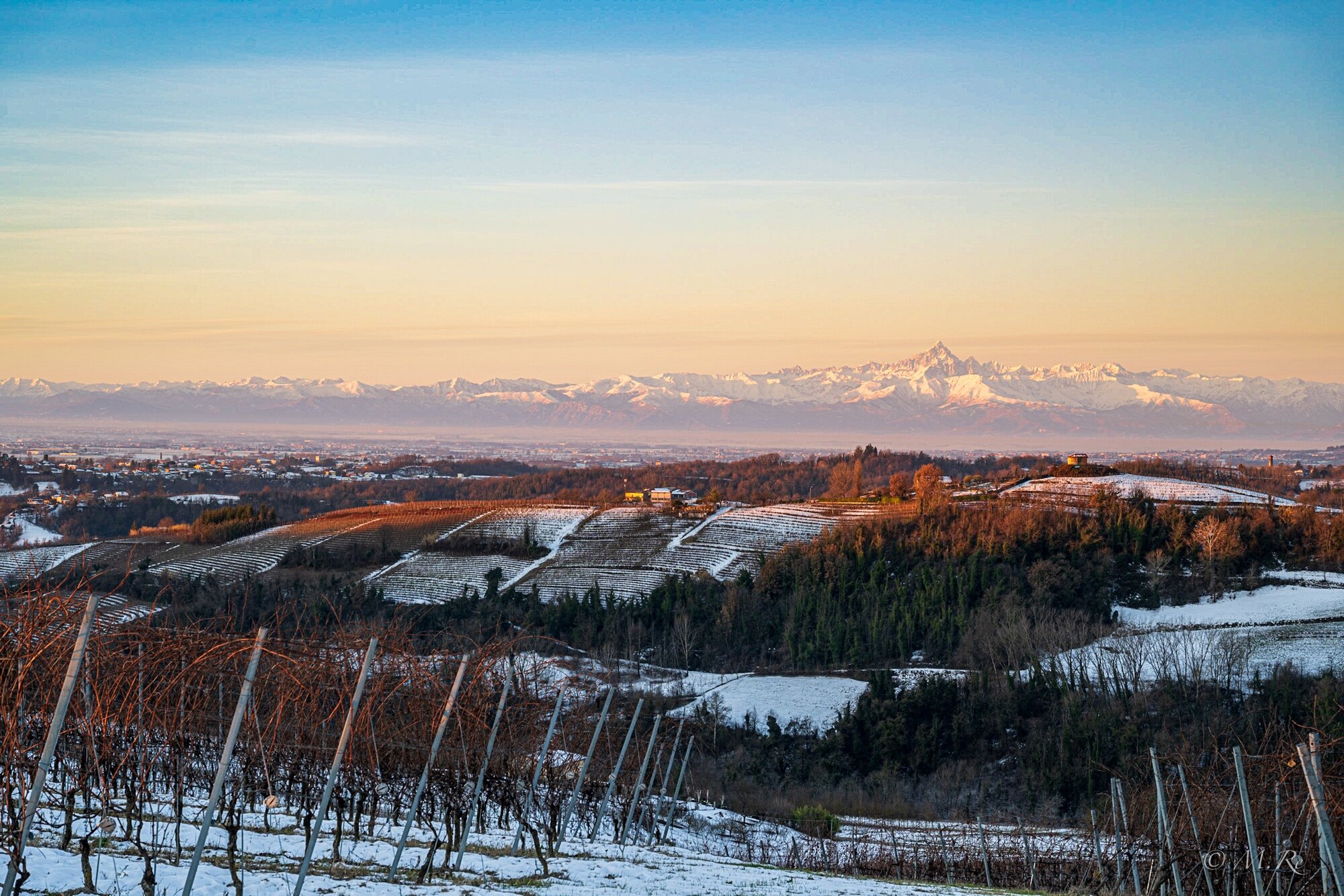
Mattinata libera. Parto da casa un ora prima dell’alba per aggirarmi sulle mie amate colline, sede prediletta delle mie escursioni fotografiche e ciclistiche, sperando nella luce adatta. Si rivelerà una splendida alba con sullo sfondo la montagna rappresentativa del Piemonte, il Monviso, in tutta la sua maestosità e bellezza. In primo piano una delle chiesette romaniche che si trovano sparse sulle colline torinesi verso Castelnuovo Don Bosco. Foto scattate con Nikon ZII + 70-200 Z 2.8 e ultima con 20 mm Z 1.8
-
6
-
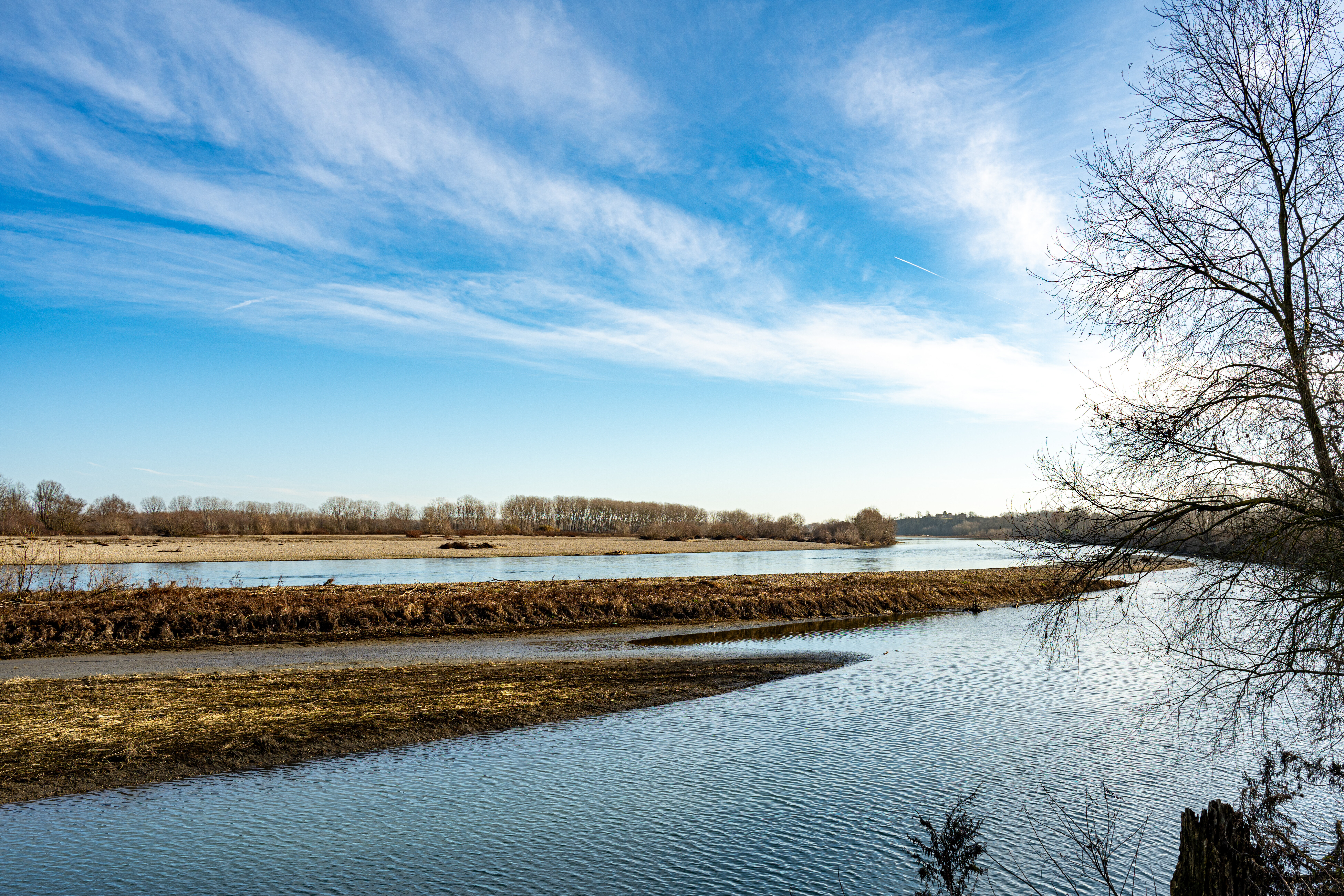

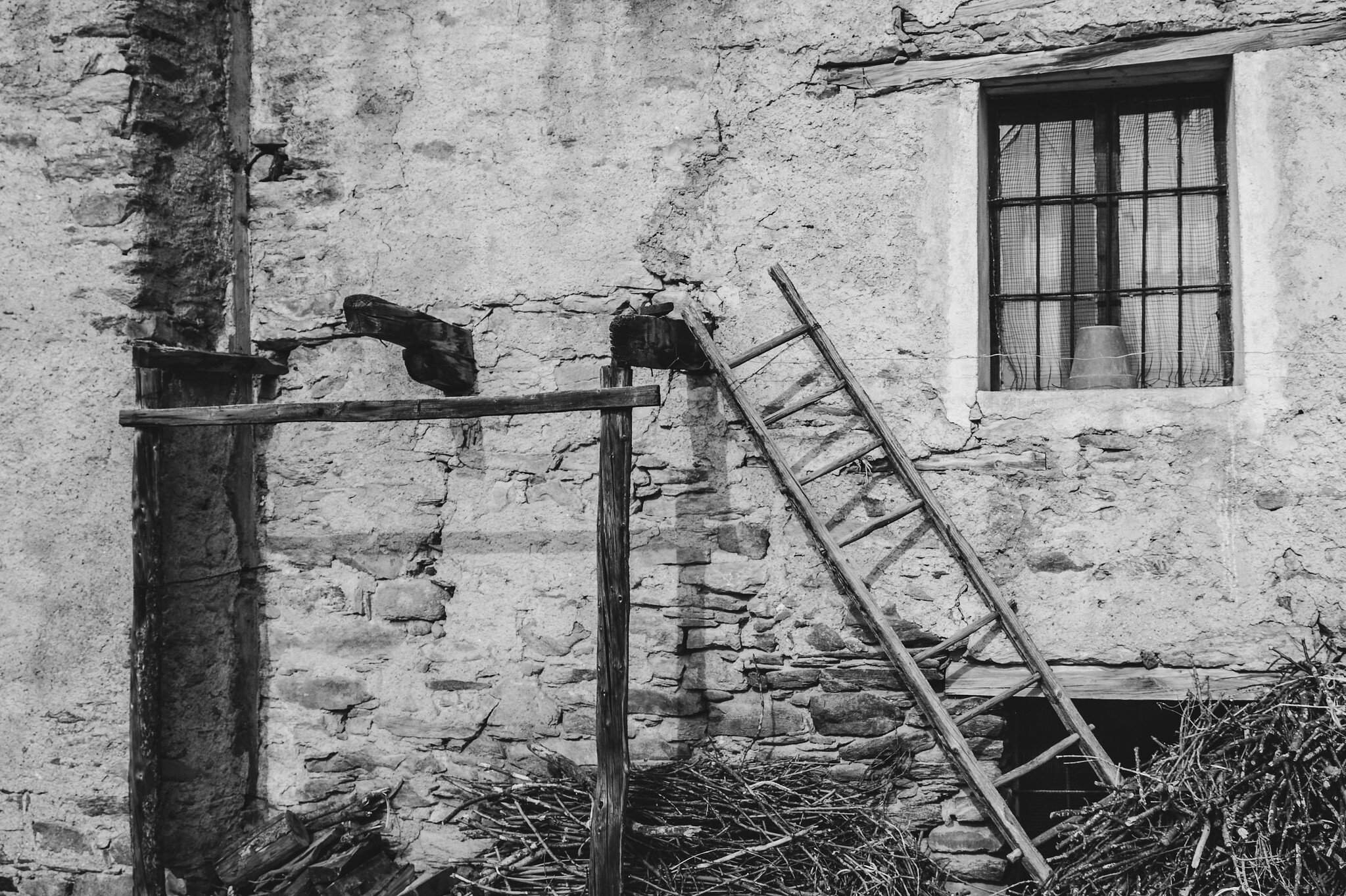
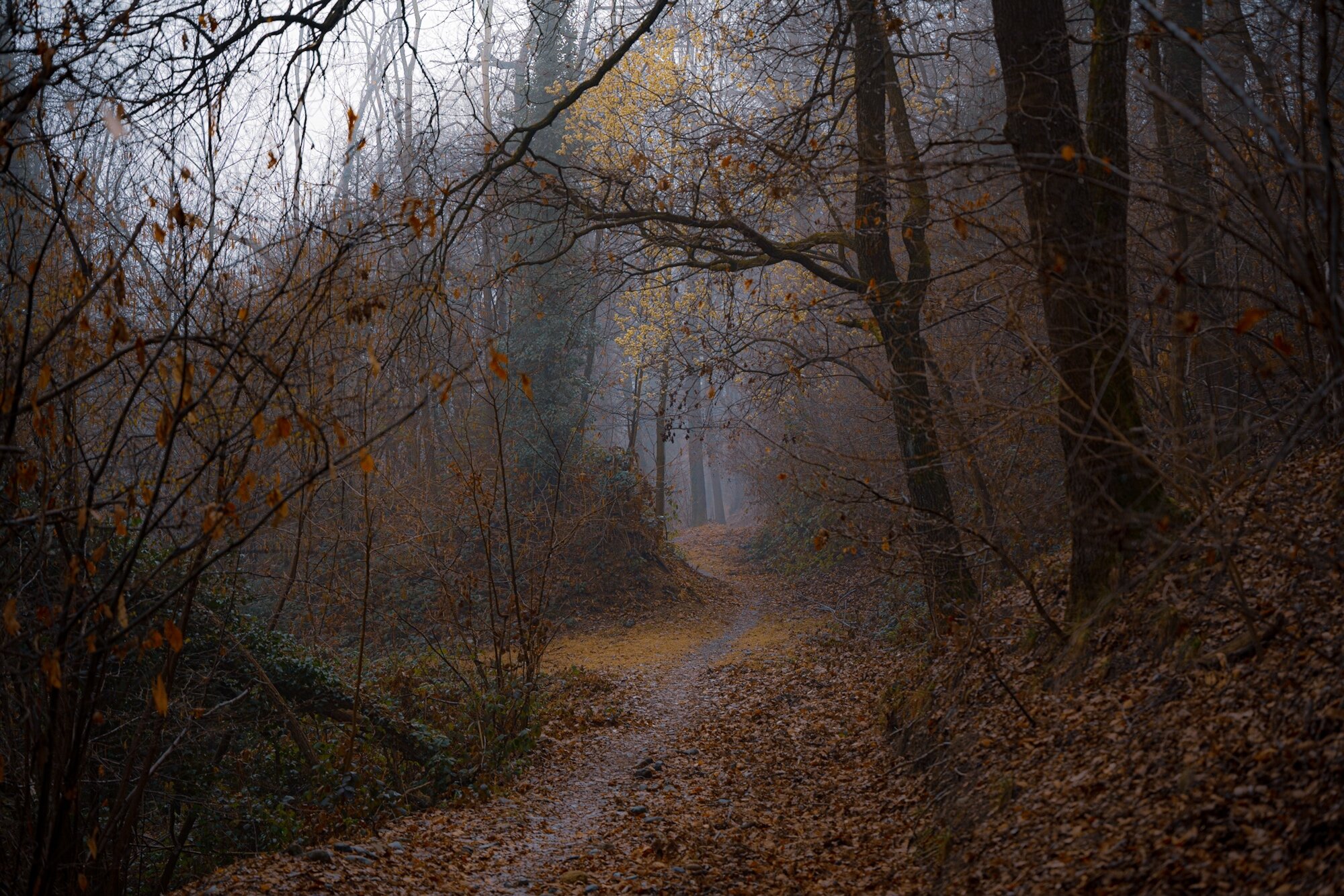

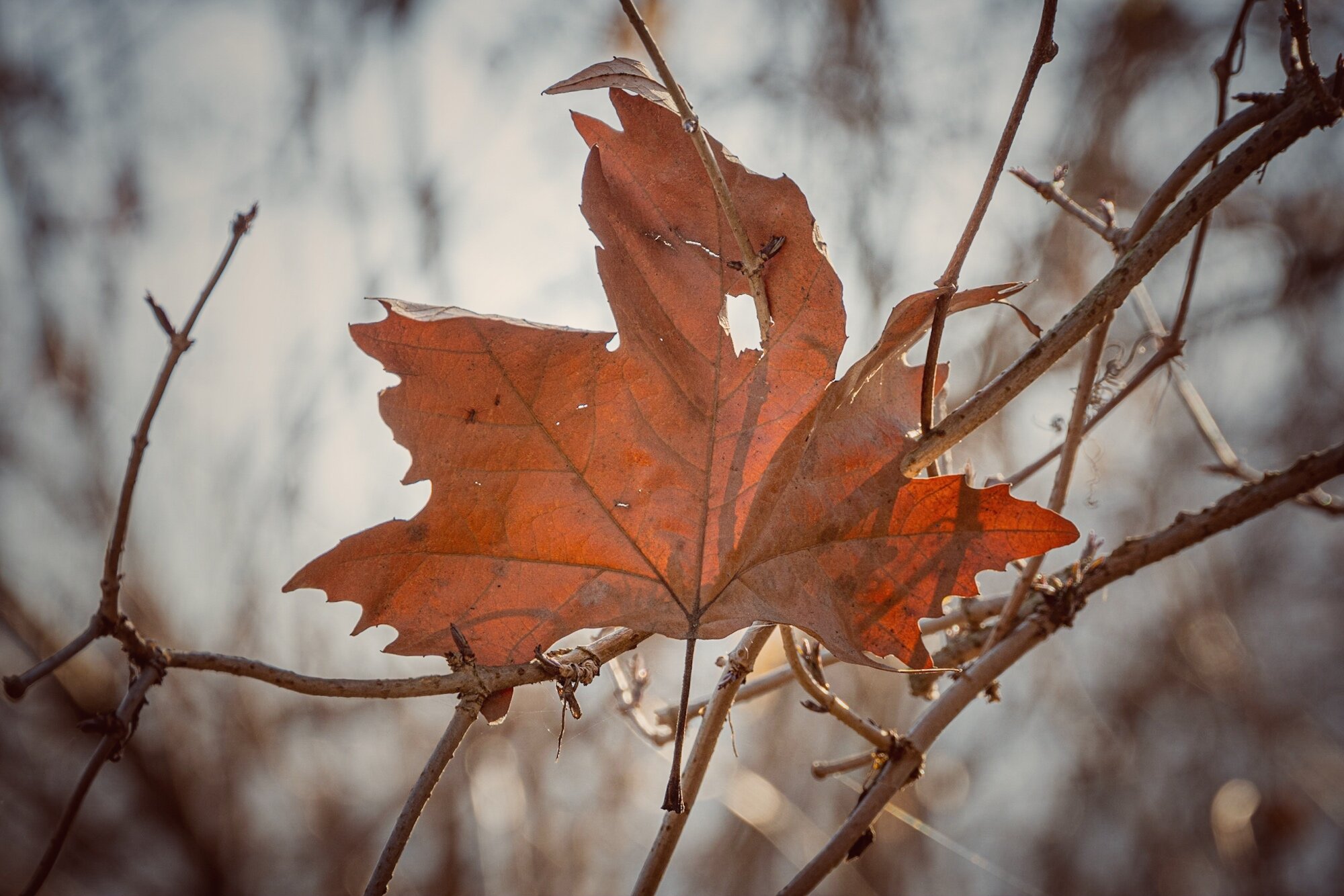

Contest Speciale : la foto dell'anno 2023 - aperto fino al 18 marzo 2024
in Contest di Nikonland
Inviato
Al 1° posto 20 di Dario Fava. Colori morbidi, soggetti con sguardi ipnotici
Al 2° posto 23 di Paolo Mudu. Tre foto di tipo diverso, ma perfettamente realizzate e rappresentative del loro genere.
Al 3° posto 24 di Fabio Zambelli. Mi piace molto il paesaggio nella nebbia. Molto suggestive le altre due foto.