Skip to content
View in the app

A better way to browse. Learn more.

Nikonland.it

A full-screen app on your home screen with push notifications, badges and more.

To install this app on iOS and iPadOS
  1. Tap the Share icon in Safari
  2. Scroll the menu and tap Add to Home Screen.
  3. Tap Add in the top-right corner.
To install this app on Android
  1. Tap the 3-dot menu (⋮) in the top-right corner of the browser.
  2. Tap Add to Home screen or Install app.
  3. Confirm by tapping Install.

Pelicans in black & white

(0 reviews)


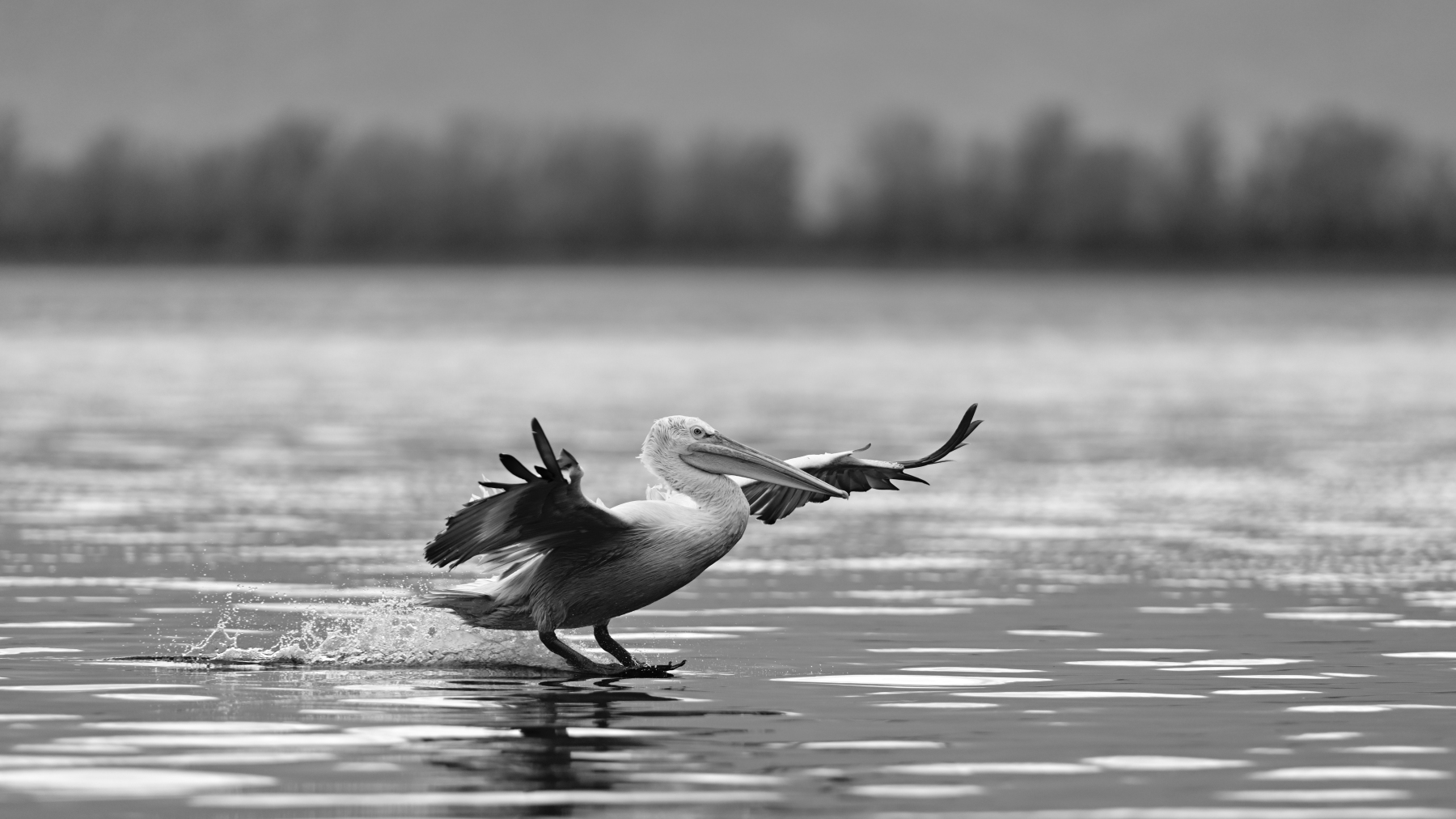
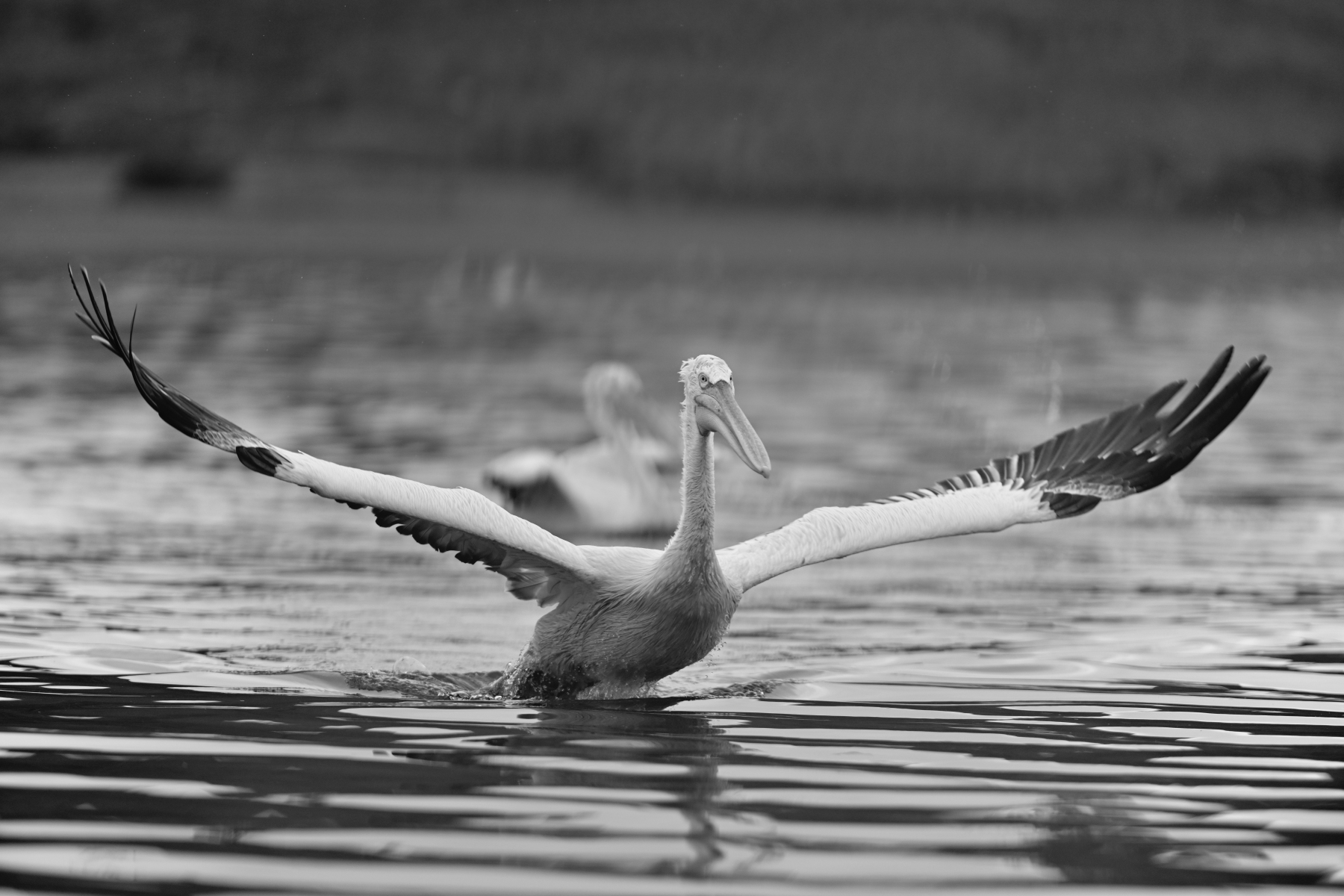
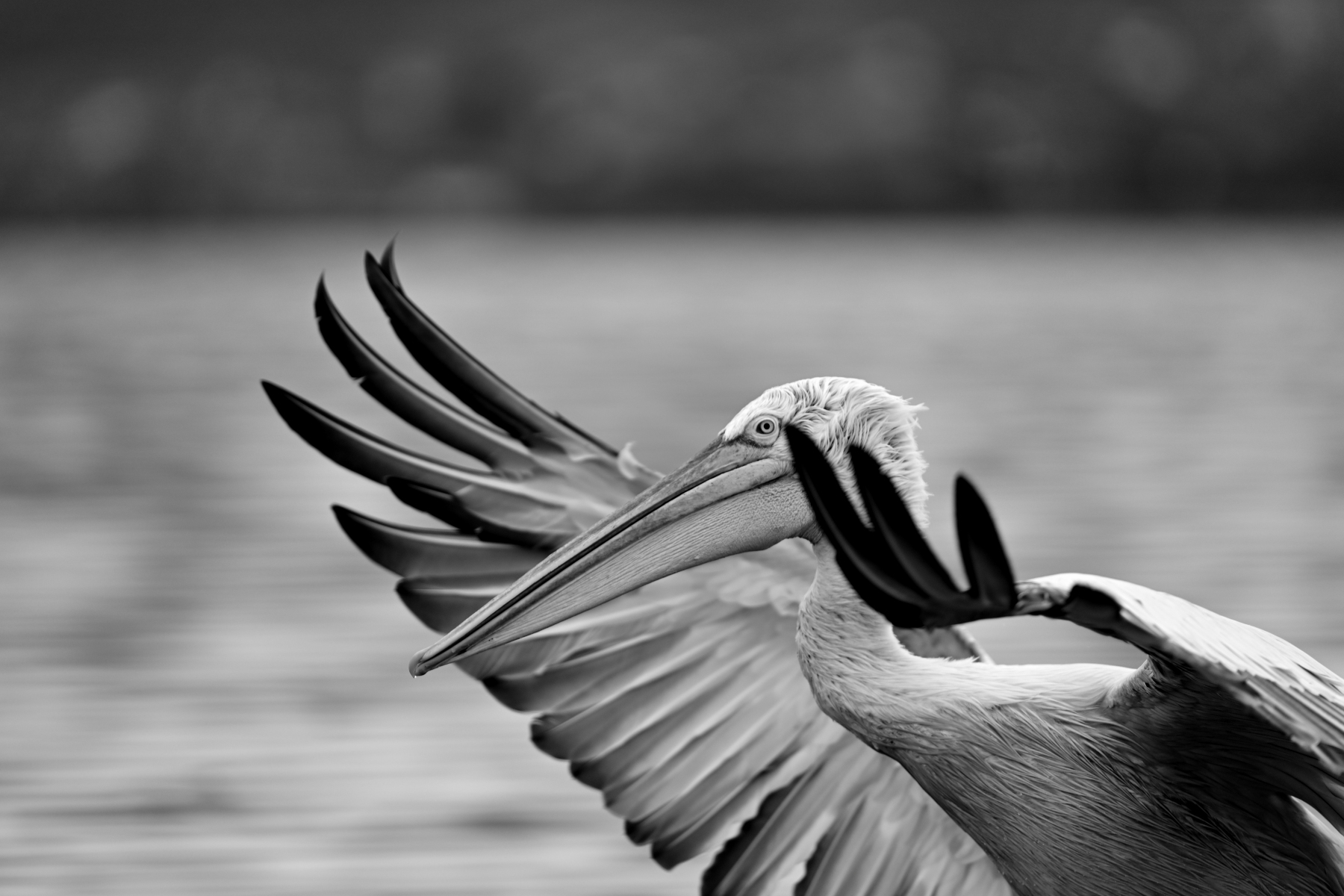
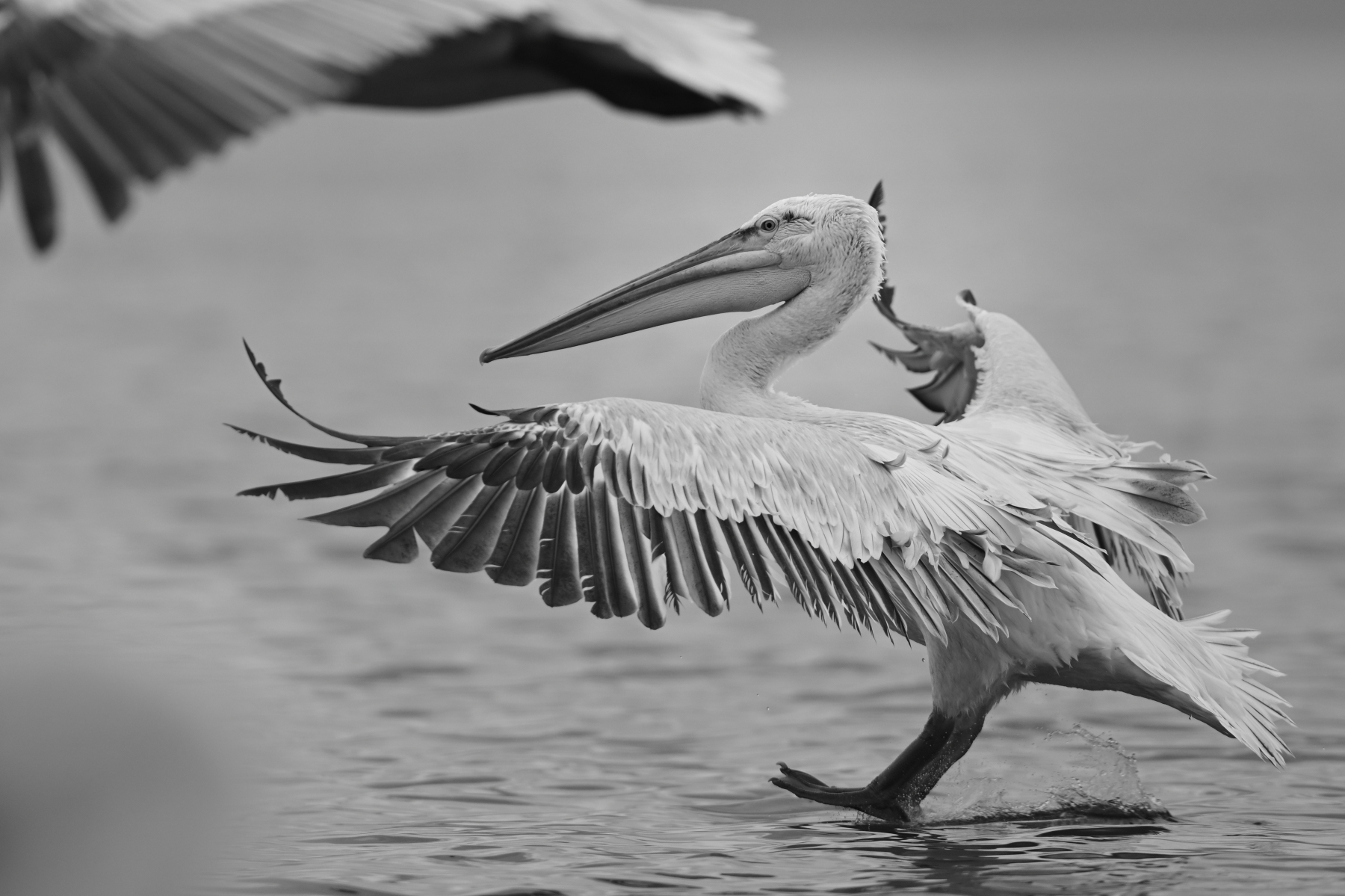
Sono tutti scatti fatti con Nikon Z9 su AFs Nikkor 300mm/2,8G @ f/2,8 con l'intenzione di fare foto di ritratto in bianco e nero a questi magnifici uccelli.

Ne ho salvati questi sei. 
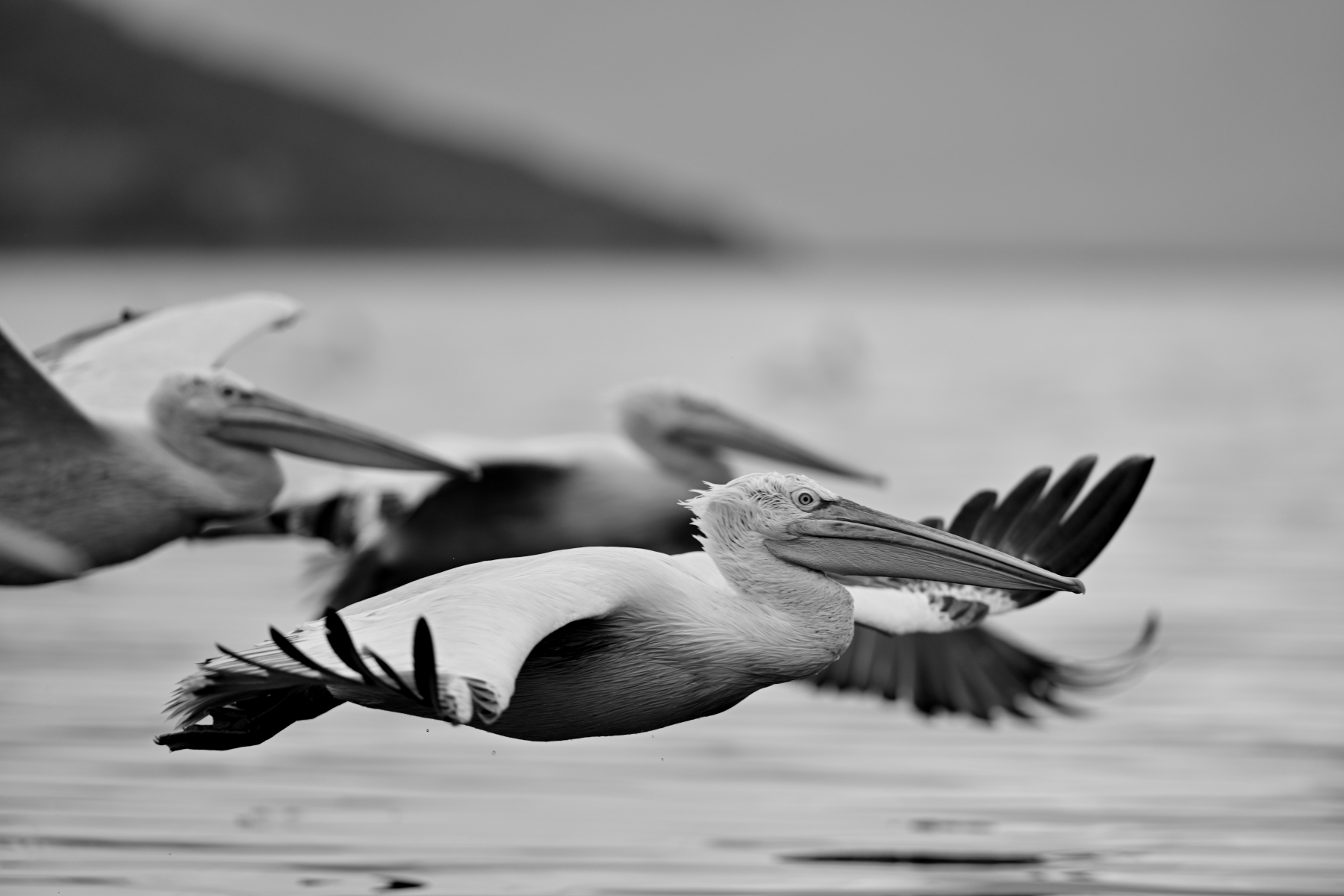


_DSC6864.thumb.JPG.630e5b62d8c0d87175837e8e8dd88dc5.JPG

1


_DSC7126_02.thumb.JPG.7d3881f05f0b967681d51892bae1bf30.JPG

2


_DSC7245_01.thumb.JPG.37f25b8735eb1e6f15c9286bbdba5d2b.JPG

3


_DSC7263_03.thumb.JPG.b13cffc55f852b80c3485521a4d36d92.JPG

4


_DSC7630.thumb.JPG.1d67c4d3c9ee95efc43ad54579a83b10.JPG

5


_DSC3923_01.thumb.JPG.20a82e5f0cb92796c318e1dd4c25d82e.JPG

6


Edited by Jorgos

7 Comments

Recommended Comments

Leo

Nikonlander Veterano

  • Nikonlander Veterano

Apprezzo molto anche la scelta del bianco e nero! :bravo:

  • Administrator

anche tu che scrivi Z9 su 300mm: da che è mondo si mettono gli obiettivi sui corpi e restano soggetti a tutto campo: come il tuo 300/2,8

Che è sta rivoluzione copernicana?:marameo:

Silvio Renesto

Nikonlander Veterano

  • Nikonlander Veterano

Ottimi anche in bianco e nero!

firefox

Nikonlander Veterano

  • Nikonlander Veterano

bella serie e ottima scelta del B/N

Riccardo Davoli

Nikonlander

  • Nikonlander

Bellissime. In particolare la prima...👏

Gianni

Nikonlander Veterano

  • Nikonlander Veterano

Son d'Accordo con tutti i commenti sopra....ma soprattutto BN in foto di animali non Facile ma possibile certamente. Basta saper scegliere e tu hai scelto bene.

PaoloBC

Nikonlander Veterano

  • Nikonlander

Belle foto. Ottime

Guest
Add a comment...

Account

Navigation

Search

Search

Configure browser push notifications

Chrome (Android)
  1. Tap the lock icon next to the address bar.
  2. Tap Permissions → Notifications.
  3. Adjust your preference.
Chrome (Desktop)
  1. Click the padlock icon in the address bar.
  2. Select Site settings.
  3. Find Notifications and adjust your preference.