
Jump to content
View in the app

A better way to browse. Learn more.

Nikonland.it

A full-screen app on your home screen with push notifications, badges and more.

To install this app on iOS and iPadOS
  1. Tap the Share icon in Safari
  2. Scroll the menu and tap Add to Home Screen.
  3. Tap Add in the top-right corner.
To install this app on Android
  1. Tap the 3-dot menu (⋮) in the top-right corner of the browser.
  2. Tap Add to Home screen or Install app.
  3. Confirm by tapping Install.

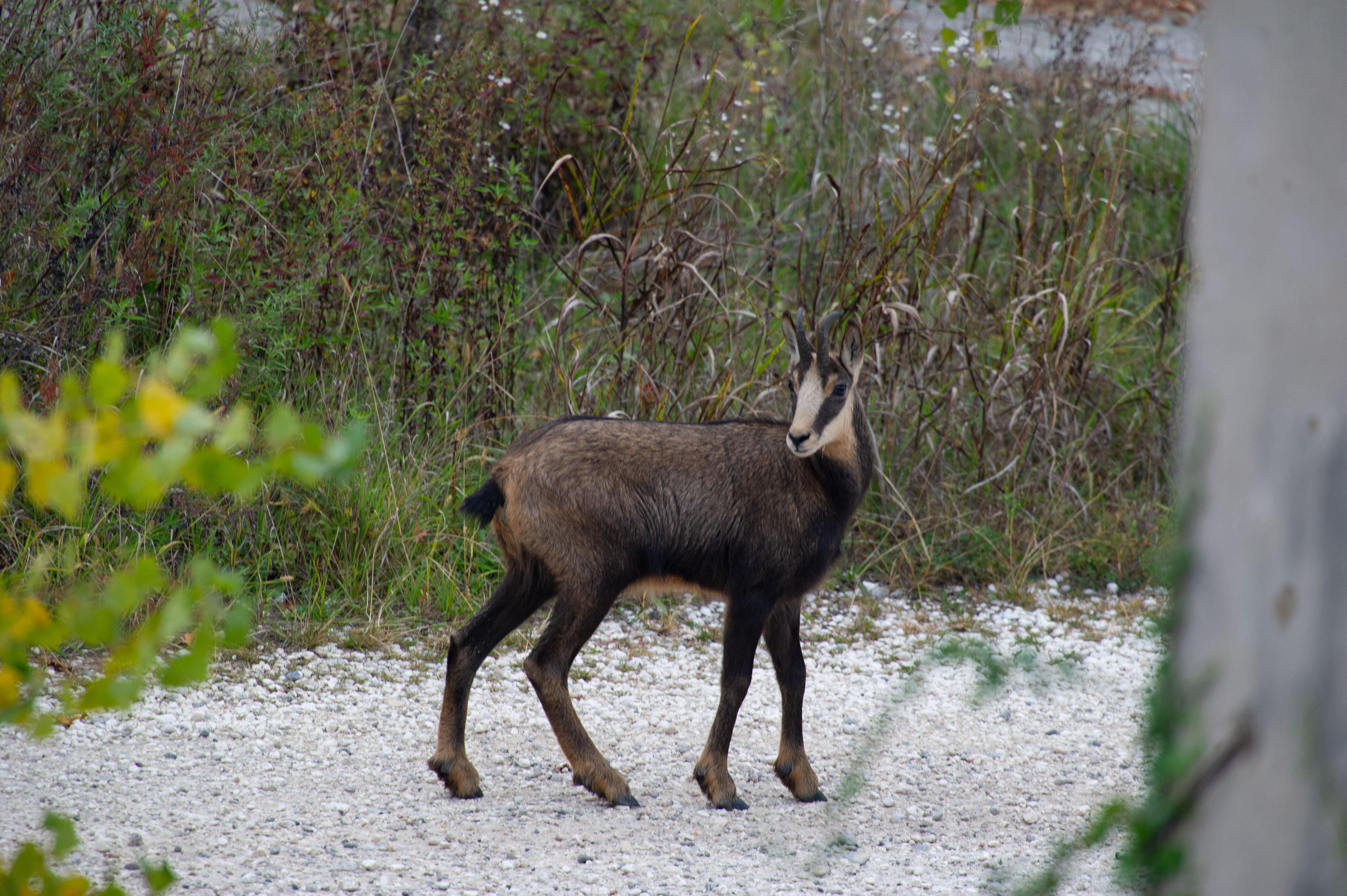
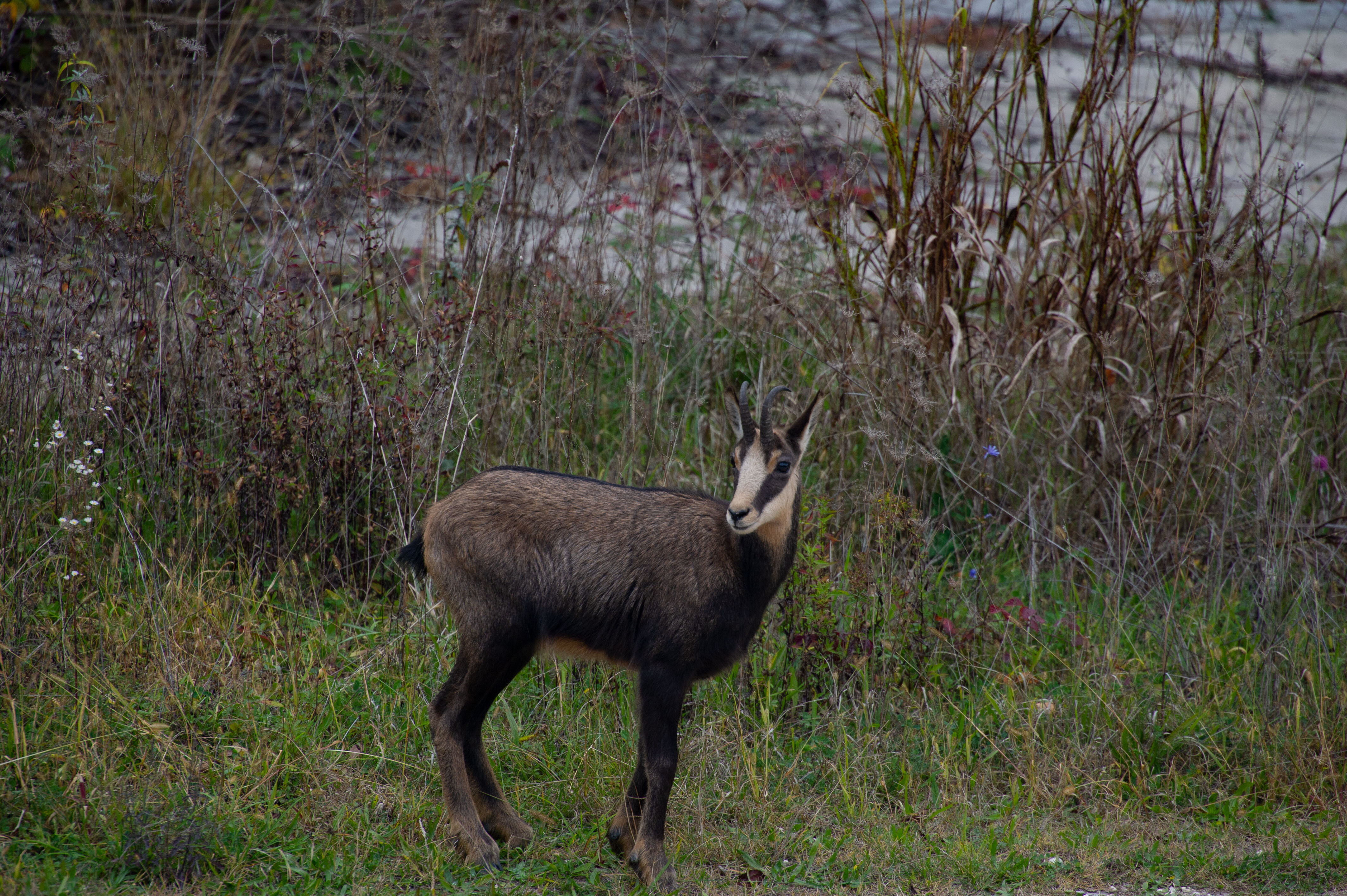
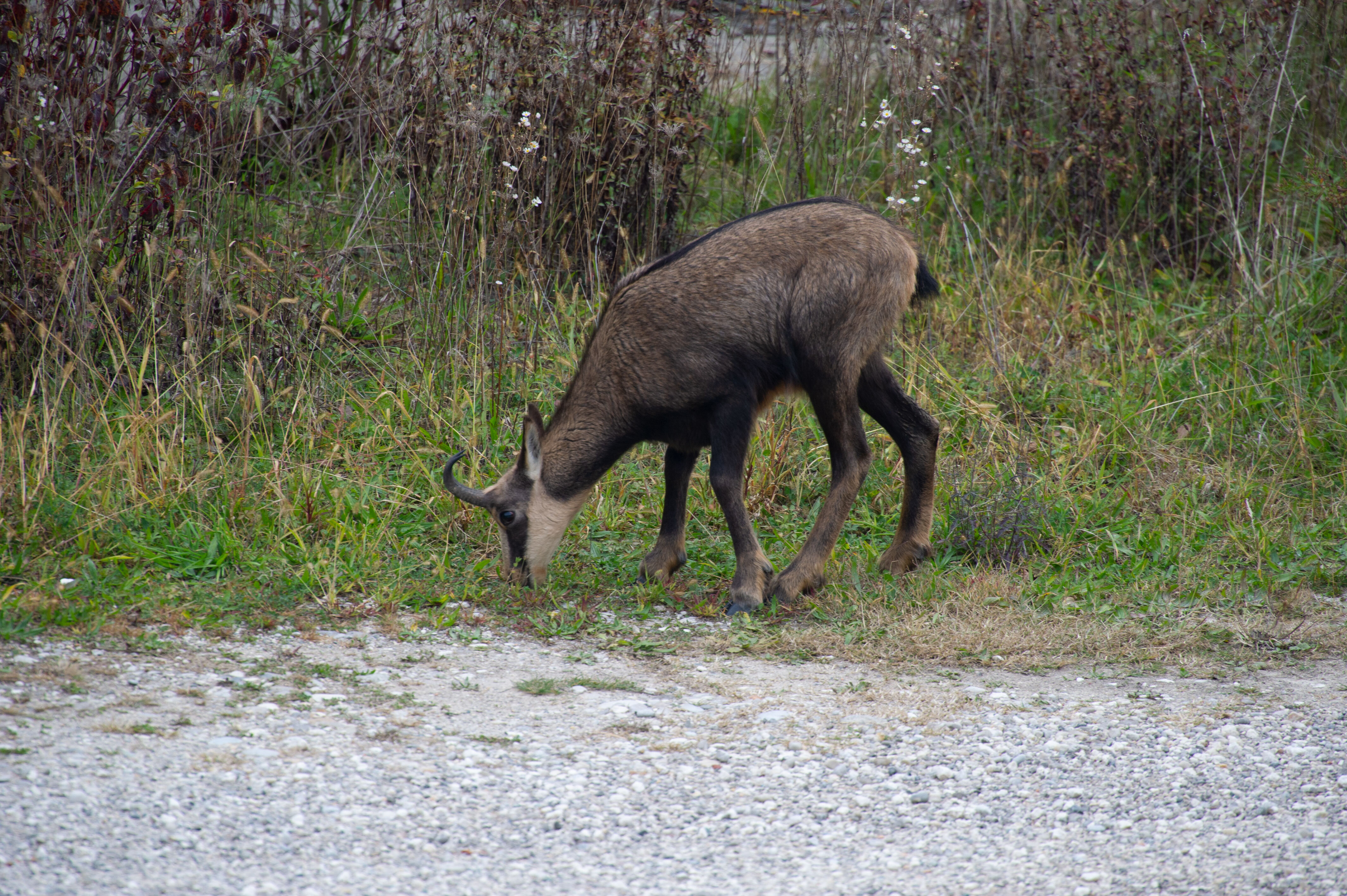
un paio di anni fa e per un mese circa,tra le rovine della vecchia fornace,stazionò un giovane esemplare di camoscio ; come ci sia arrivato e come se ne sia andato è un mistero. Poichè appariva saltuariamente,un giorno son riuscito a fare qualche scatto che qui posto a documentazione dell'evento.
camo1.thumb.jpg.43483563ed5315e86f5cbef4309ac4bb.jpg

camo3.thumb.jpg.d904b7d3a12d82ef92a2e6746b14e755.jpg

camo5.thumb.jpg.2ae4c97caf76f502c2ddb29b38acd978.jpg


0 Comments

Recommended Comments

There are no comments to display.

Guest
Add a comment...

Configure browser push notifications

Chrome (Android)
  1. Tap the lock icon next to the address bar.
  2. Tap Permissions → Notifications.
  3. Adjust your preference.
Chrome (Desktop)
  1. Click the padlock icon in the address bar.
  2. Select Site settings.
  3. Find Notifications and adjust your preference.